Manage homepage content
Add and update banners, buttons and predefined content sections displayed throughout the customer app.

Manage banners, navigation buttons, icons, links and custom pages inside your loyalty app. Keep important campaigns visible and give customers a clear, branded mobile experience without rebuilding your application.
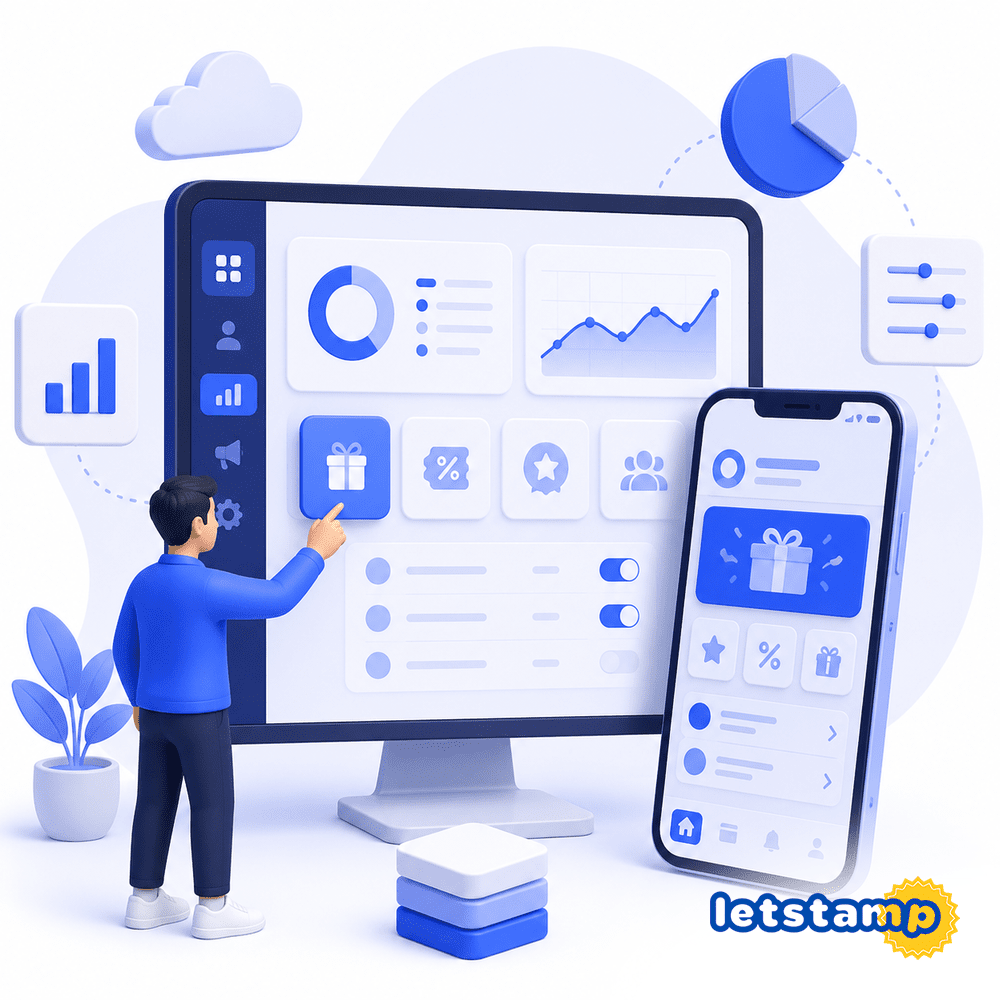
Add and update banners, buttons and predefined content sections displayed throughout the customer app.
Change bottom menu texts and icons, then connect each button to the right destination.
Build custom in-app pages and link to them from banners, buttons or other content areas.
A loyalty app should change as your campaigns, products and customer communication change. Static content can make even a powerful loyalty program feel outdated.
Letstamp Mobile App Management lets you add, edit or delete predefined app sections, update navigation links and create custom pages that customers can access from other parts of the app.
Choose the area you want to manage, update its content and connect it to the most relevant app destination.
Choose a banner, button, navigation item or another predefined section you want to manage.
Update the visible text, icon, visual or other available content settings.
Connect the section to an app destination, external link, uploaded file or custom in-app page.
Keep the app organized around your latest campaigns, content and customer priorities.
The top of the Letstamp app can combine customer information, banners, campaign entry points and navigation icons in one mobile experience.
Use app management tools to keep these areas aligned with your current campaigns and the actions you want customers to take.
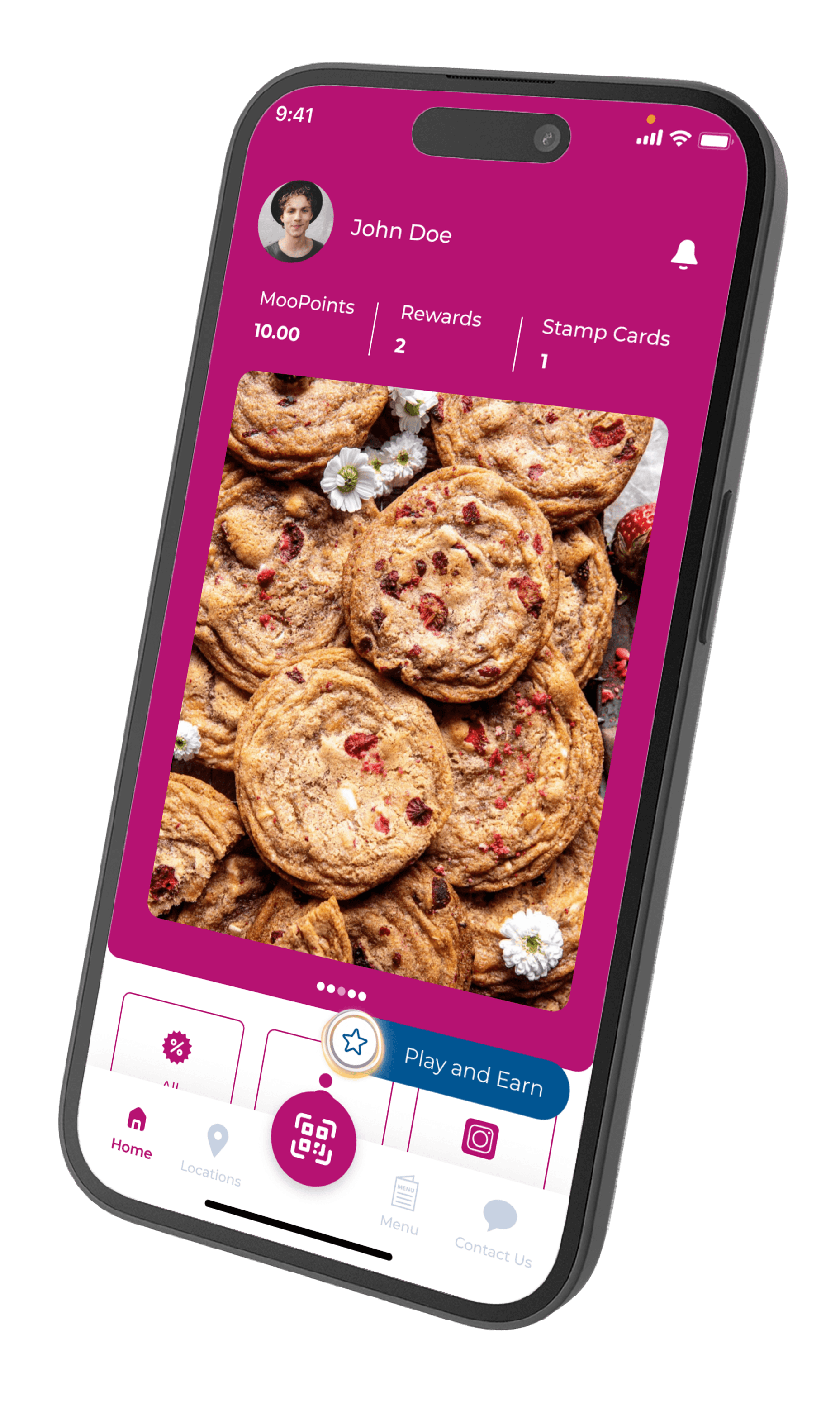
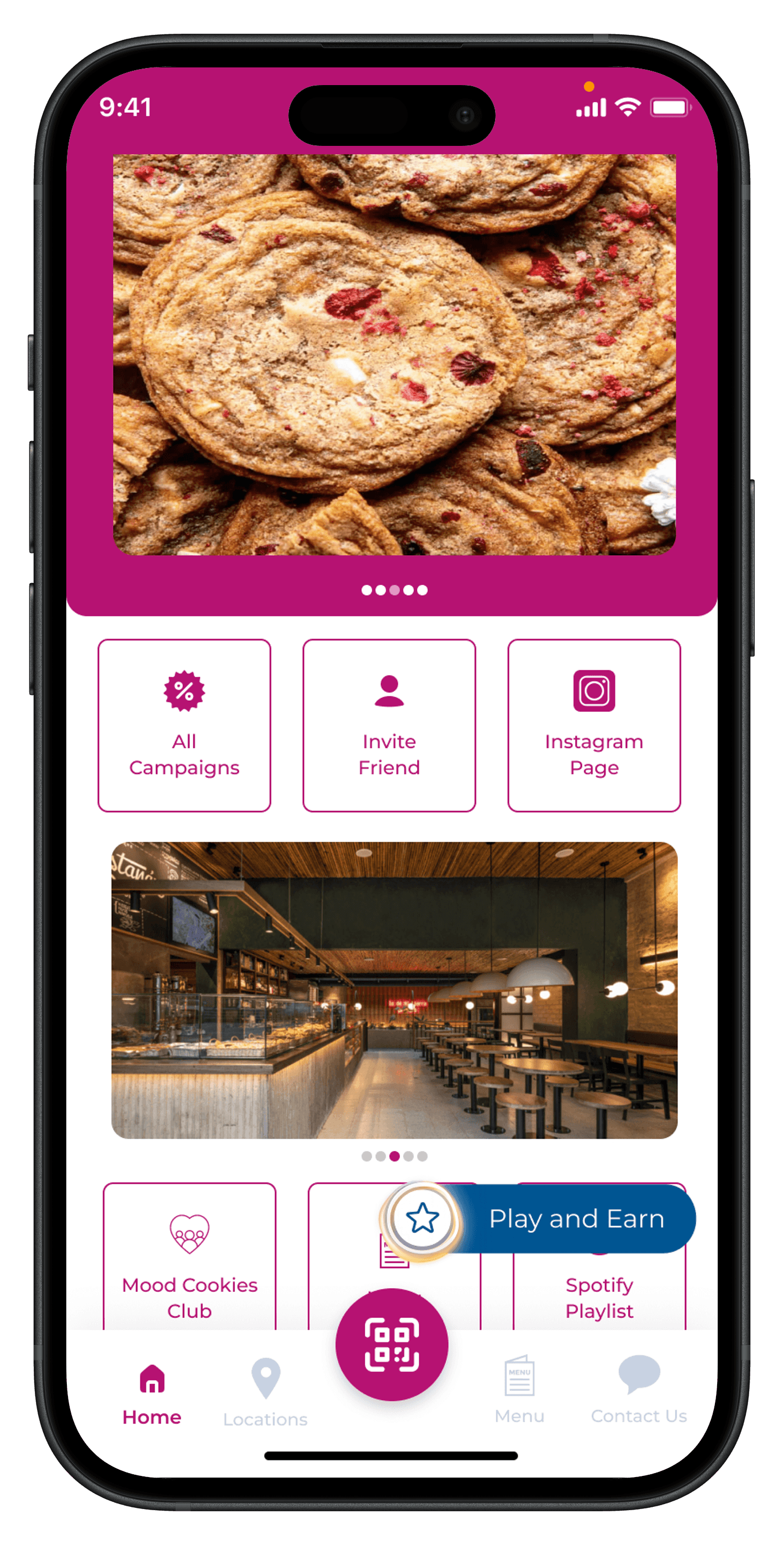
The mobile app homepage can include multiple banners and navigation groups. These sections help customers move quickly toward campaign pages, rewards, locations and other app content.
Update links, visible texts and icons so each homepage element supports a clear customer action.
Some content cannot fit inside a banner or short navigation label. Letstamp lets you create additional pages inside the app and link to them from other content areas.
Use the redirect-to-in-app-page option to connect banners, buttons or navigation items with the custom page you created.
Update predefined app sections and connect customers to the pages, campaigns and information they need.
Add, edit or remove visual banners used to promote campaigns and important content.
Manage predefined buttons that help customers navigate to key app functions.
Change the visible text, icon and destination of bottom navigation buttons.
Create additional in-app pages and link to them from other app sections.
Assign destinations according to whether customers need to open an app section, custom page, external resource or uploaded file.
Connect navigation elements to predefined sections inside the loyalty app.
Upload a file and assign it as the destination of an app button or content link.
Direct customers to an external destination when the content lives outside the app.
Redirect customers to additional pages created inside the mobile app.
Organize mobile content around current campaigns, customer needs and the actions that matter most to your business.
Use banners and buttons to direct customers toward active loyalty campaigns.
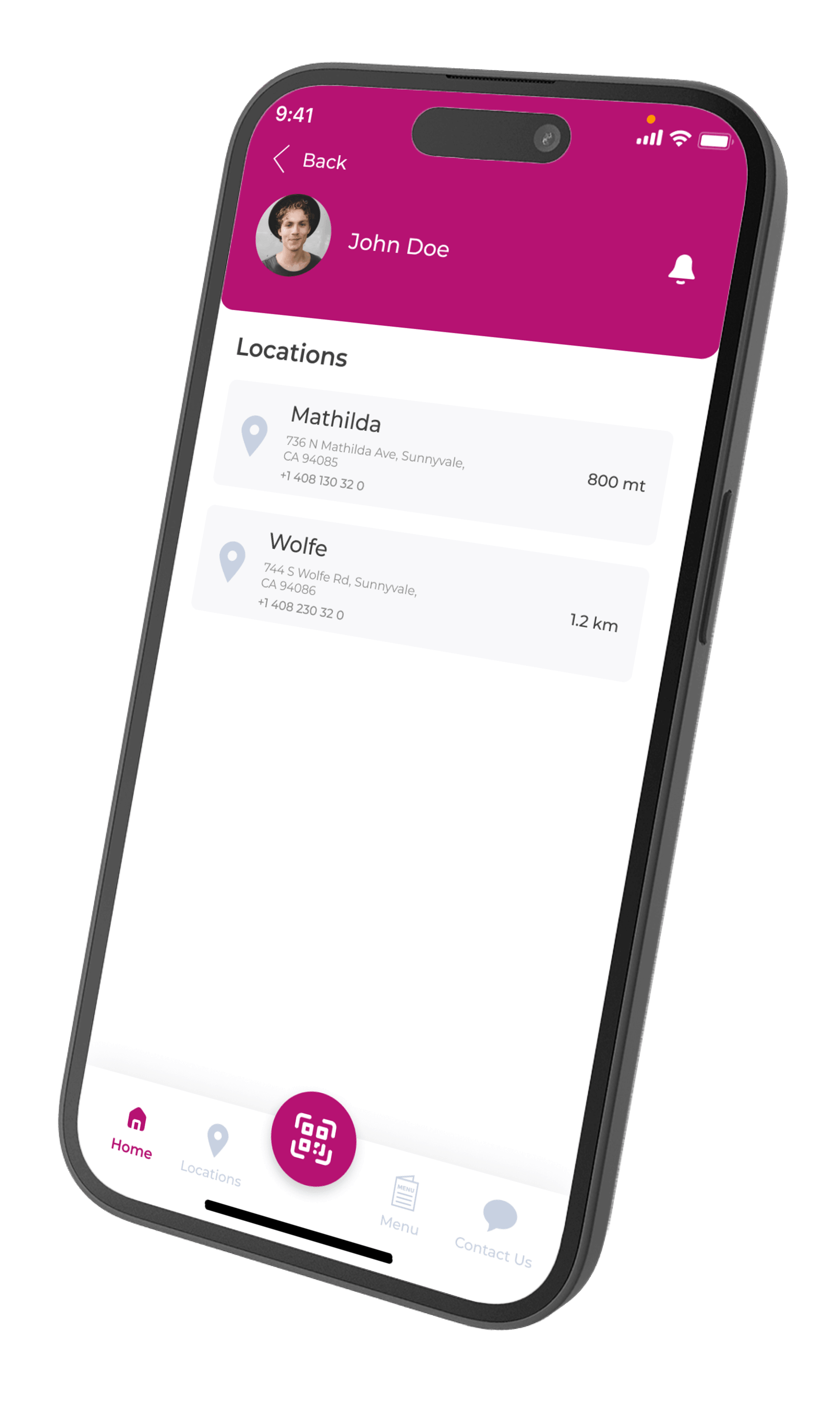
Give customers a direct path to business locations, addresses and contact details.
Make rewards, stamp cards and product catalog pages easy to reach from the homepage.
Create custom pages for additional information that needs more than a short banner or button label.
Use homepage banners, buttons and custom pages to guide customers toward campaigns, locations, rewards and other loyalty features.
View all featuresAdapt homepage banners, links and custom pages according to your business model and the information customers need most.
Promote stamp cards, seasonal drinks, locations and gamification campaigns from the homepage.
View solutionUse app banners for menu campaigns, coupon offers and branch information.
View solutionCreate pages for services, branch details and loyalty-member benefits.
View solutionGuide customers toward coupons, points, catalog rewards and store locations.
View solutionWatch the tutorial to see how banners, navigation buttons and custom in-app pages can be edited through Letstamp.
Use banners for important promotions, navigation buttons for frequently used actions and custom pages for detailed content. A focused app structure makes it easier for customers to find what they need.
Learn how banners, navigation links, uploaded files and custom in-app pages work in Letstamp.
Update banners, navigation buttons and custom pages while keeping campaigns and customer actions easy to discover.