Reward customers directly
Add a valuable gift to customer accounts without requiring them to complete a separate campaign action.

Send loyalty points, digital gifts and reward cards directly to selected customers or your entire audience. Recognize loyal customers, reactivate inactive members and create timely moments that encourage another visit.
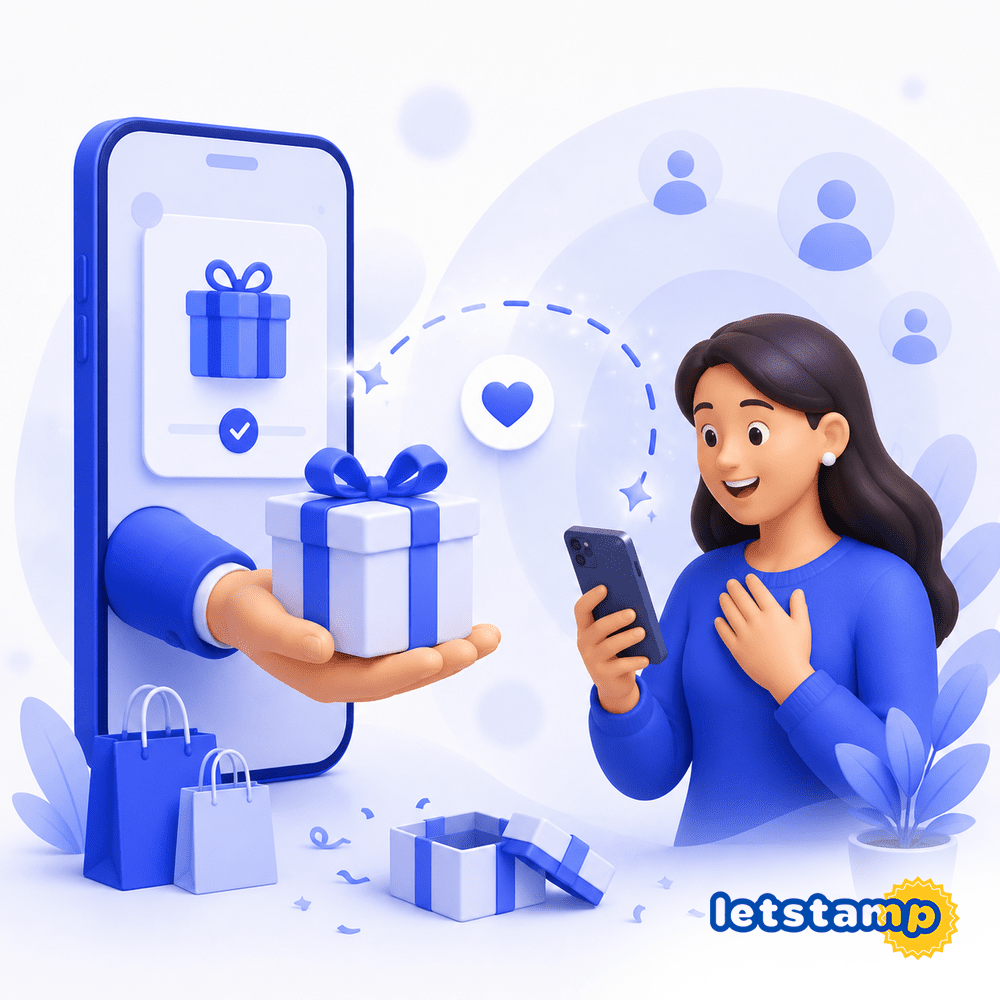
Add a valuable gift to customer accounts without requiring them to complete a separate campaign action.
Send gifts to individual customers, selected behavioral groups or every customer in your loyalty program.
Schedule gift delivery to match special occasions, campaign dates and customer reactivation plans.
Some customer moments call for a direct reward. You may want to thank your most loyal customers, reactivate people who have stopped visiting or compensate a customer after a service issue.
Letstamp lets you select customers from the customer management page and send rewards directly to their accounts. When no customer selection is made, the gift can be delivered to your entire customer base.
Select the audience, choose the reward and decide when the gift should be delivered.
Choose individual customers or customer groups and add them to the action basket.
Define the customer gift as loyalty points or a digital reward card.
Add the reward value, usage conditions, validity period and participating branches.
Deliver the gift immediately or schedule it for a future date and time.
A loyalty gift can support many different goals. Send an exclusive reward to your routine customers, reactivate inactive members or celebrate a special occasion with your complete customer base.
Customers selected from the customer management page are added to the action basket. The gift is sent only to those customers. When no selection is made, the reward can be delivered to everyone.
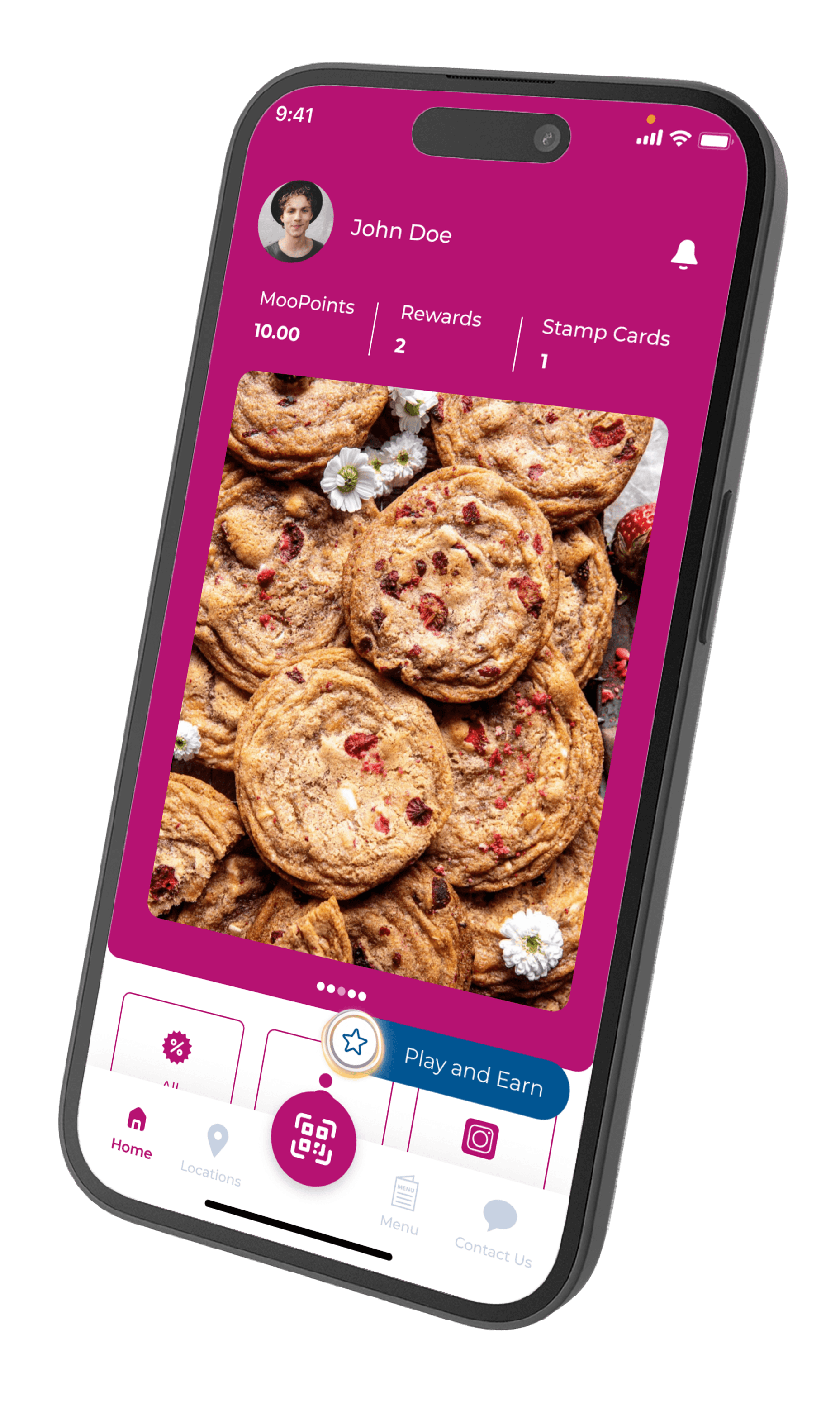
Letstamp supports two gift types. Loyalty points provide customers with flexible value they can use in future transactions. Digital reward cards represent a specific product, service, discount or benefit.
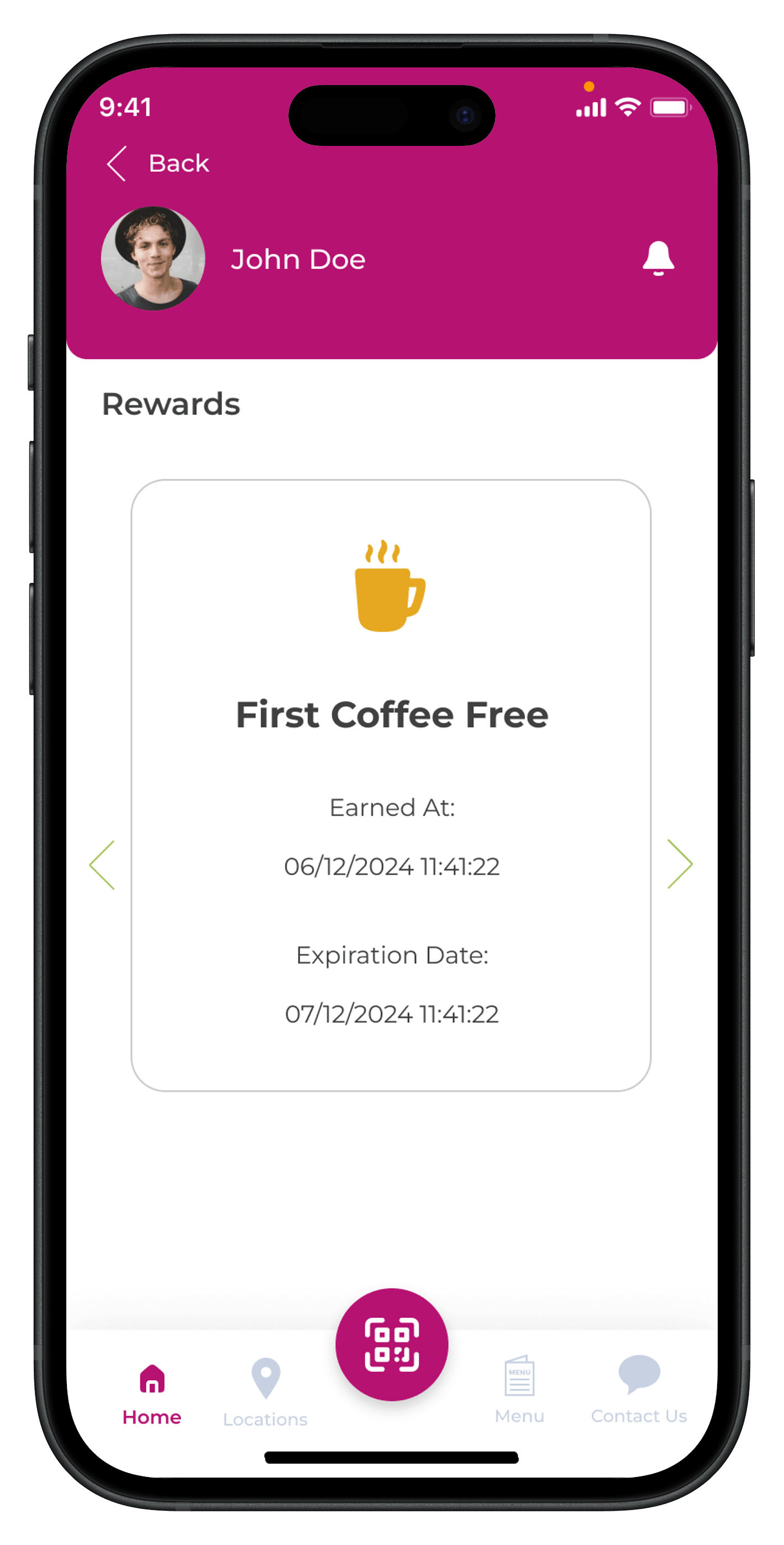
Gifts do not have to be delivered immediately. Schedule reward delivery to match an anniversary, seasonal promotion, customer reactivation campaign or another planned occasion.
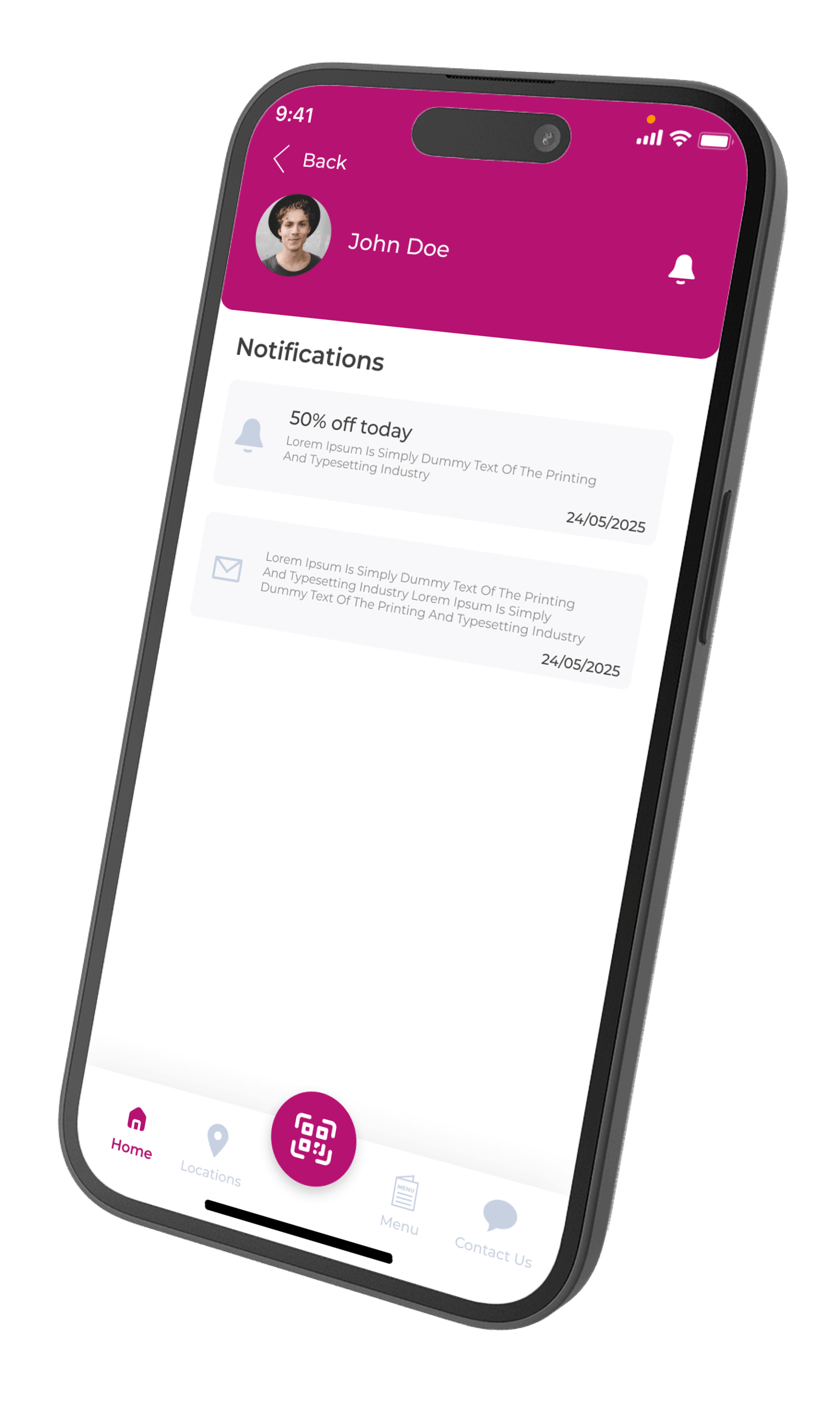
Send direct rewards to recognize valuable customers, encourage another visit or rebuild an inactive customer relationship.
Thank routine and high-value customers with an exclusive gift or additional loyalty points.
Send inactive customers a limited-time reward that gives them a clear reason to return.
Celebrate anniversaries, holidays and important business dates with scheduled rewards.
Send a goodwill reward after a service issue to support customer satisfaction and retention.
Configure the reward value, expiration period, participating branches and delivery time from the Letstamp Partners panel.
Send the gift to selected customers or your complete customer audience.
Choose loyalty points or create a digital reward card for a specific benefit.
Send the gift immediately or schedule it for a selected future date.
Select participating branches when the gift is delivered as a reward card.
Select the right audience, send the reward and notify customers through SMS or push notifications that their gift is waiting in the loyalty app.
View all featuresAdapt the reward type, value and validity period according to your products, services and normal customer visit cycle.
Send a complimentary coffee or bonus loyalty points to selected customers.
View solutionReward regular guests with a free dessert, menu item or future visit discount.
View solutionSend a treatment upgrade, service discount or complimentary add-on.
View solutionAdd loyalty points or an exclusive discount to selected customer accounts.
View solutionWatch the tutorial to see how customers are selected, rewards are configured and gift delivery is scheduled.
Choose the audience, reward value and validity period according to the action you want to encourage. A limited-time reward can help generate another visit, while flexible loyalty points can support long-term engagement.
Learn how customer selection, reward types, scheduling and branch settings work when sending gifts with Letstamp.
Select your audience, choose the reward and strengthen customer relationships with personalized gifts from Letstamp.