Manage every branch
Add new locations, update branch details and keep your business information organized from one management panel.

Add and manage business locations from one platform, create campaign QR codes and help customers find the branch that works best for them. Keep your loyalty program consistent across every location.
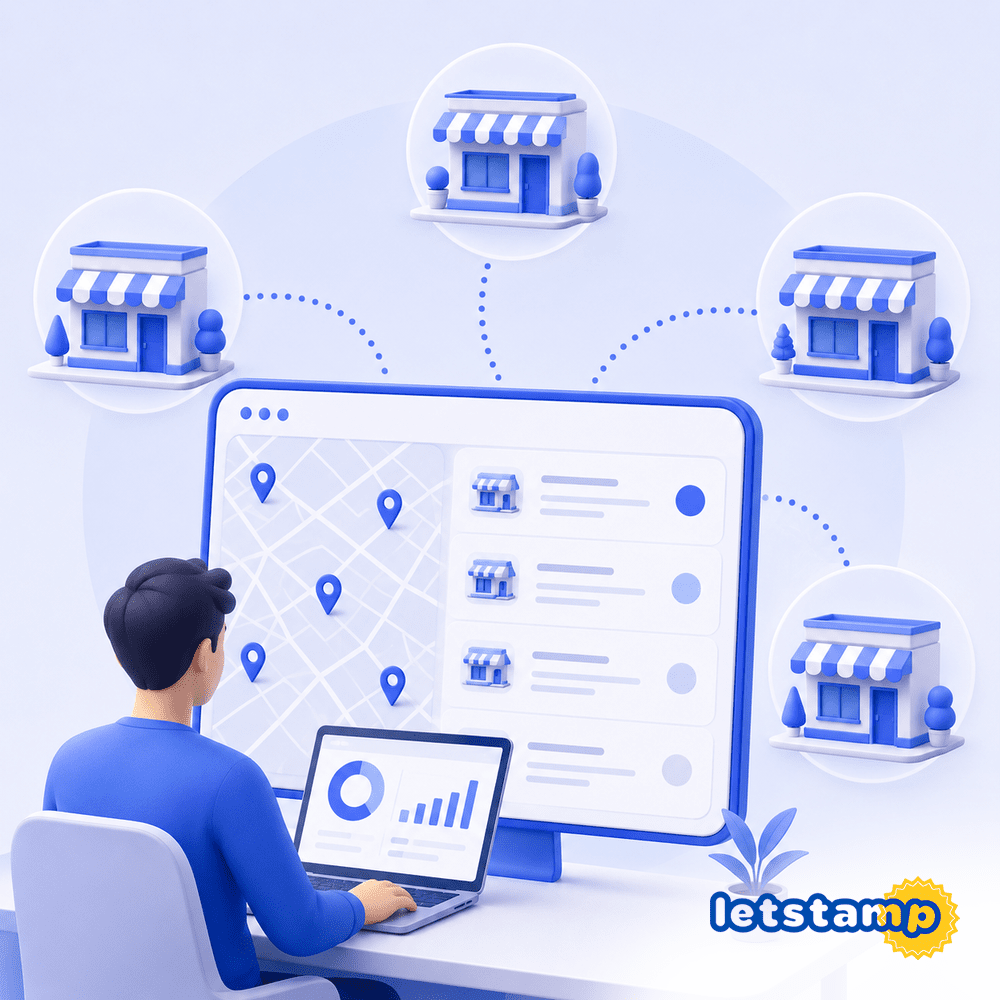
Add new locations, update branch details and keep your business information organized from one management panel.
Create branch QR codes customers can scan to view your campaigns and access the loyalty application.
Show branch names, addresses, phone numbers, maps and directions inside the customer experience.
Multi-location businesses need more than a simple address list. Campaigns, rewards, customer transactions and branch information must work together without creating a different loyalty experience at every location.
Letstamp allows you to add and edit branches, generate promotional QR codes and share a business page where customers can access your campaigns and location details.
Create each location, add its contact details and connect it to your loyalty campaigns and customer experience.
Create a branch record for each location operating within your loyalty program.
Add the branch name, address, phone number and other location information customers may need.
Generate a branch QR code customers can scan to discover your campaigns and loyalty experience.
Use the provided business page link to promote campaigns and branch information online.
Customers can review your business locations directly inside the loyalty application. Each location can display its branch name, address and phone number in one clear list.
This makes it easier for customers to choose the most convenient branch before visiting or redeeming a campaign reward.
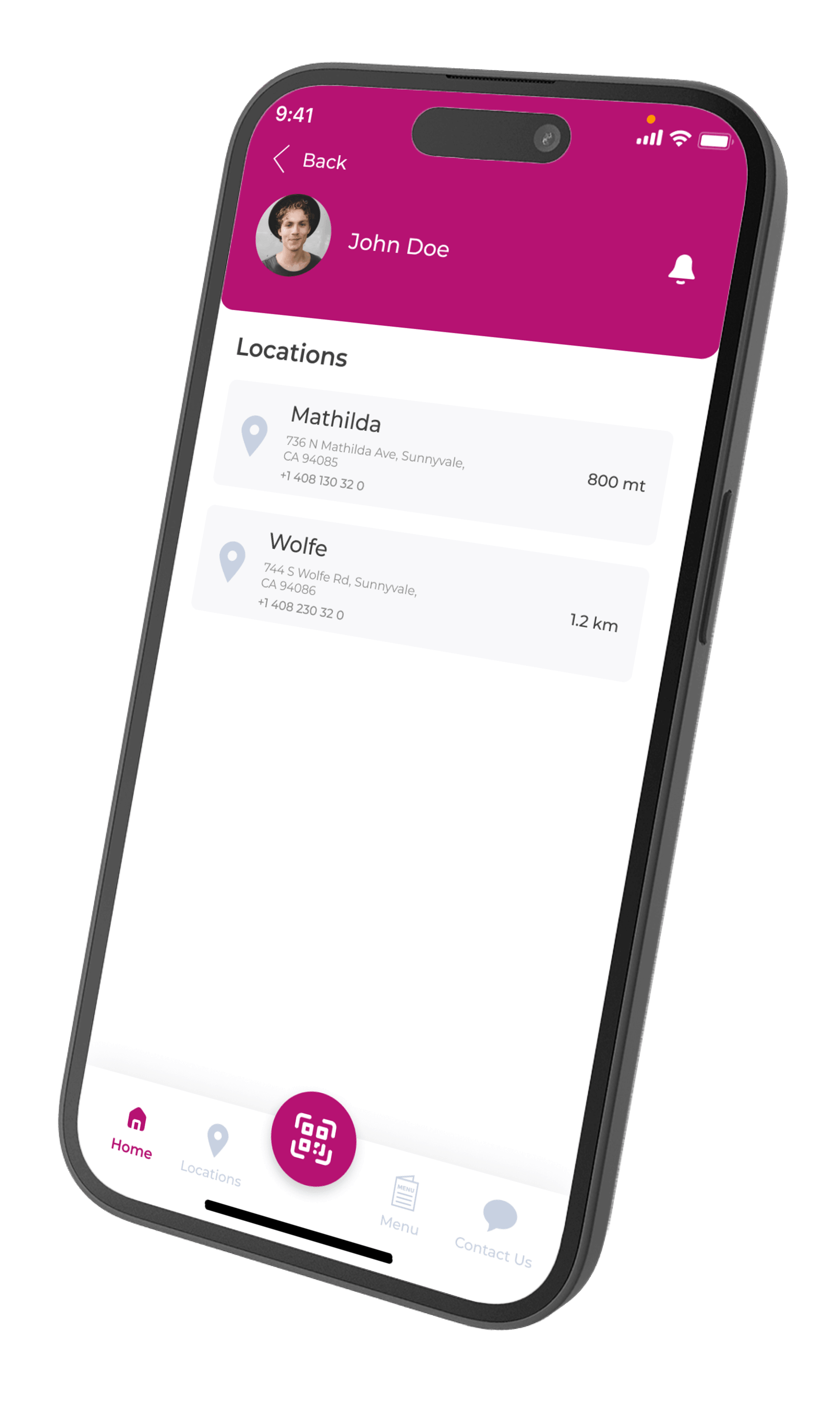
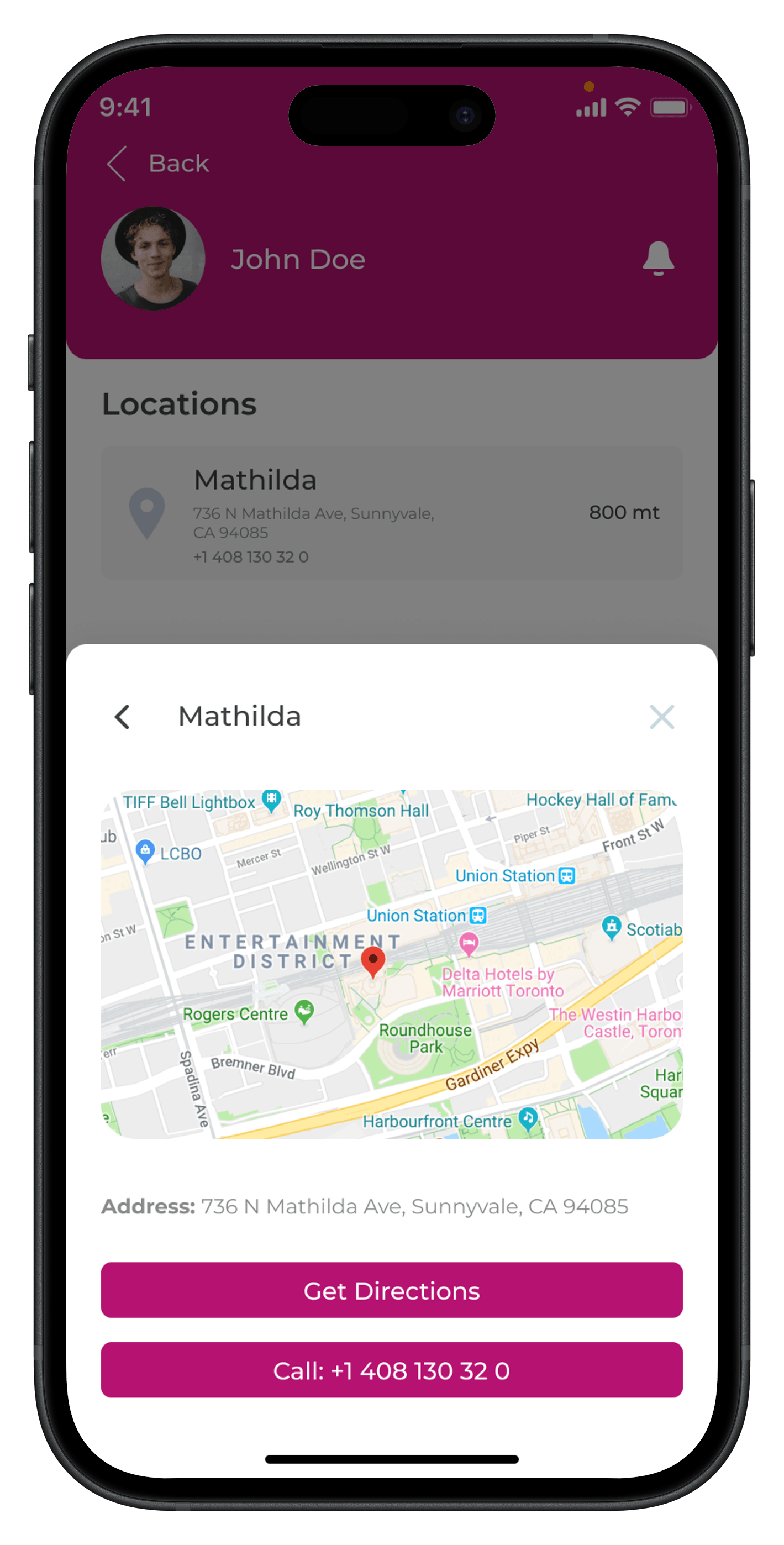
Each branch can have a dedicated detail page with its location on the map, full address and direct customer actions.
Customers can use the direction button to navigate to the branch or call the location without leaving the loyalty experience.
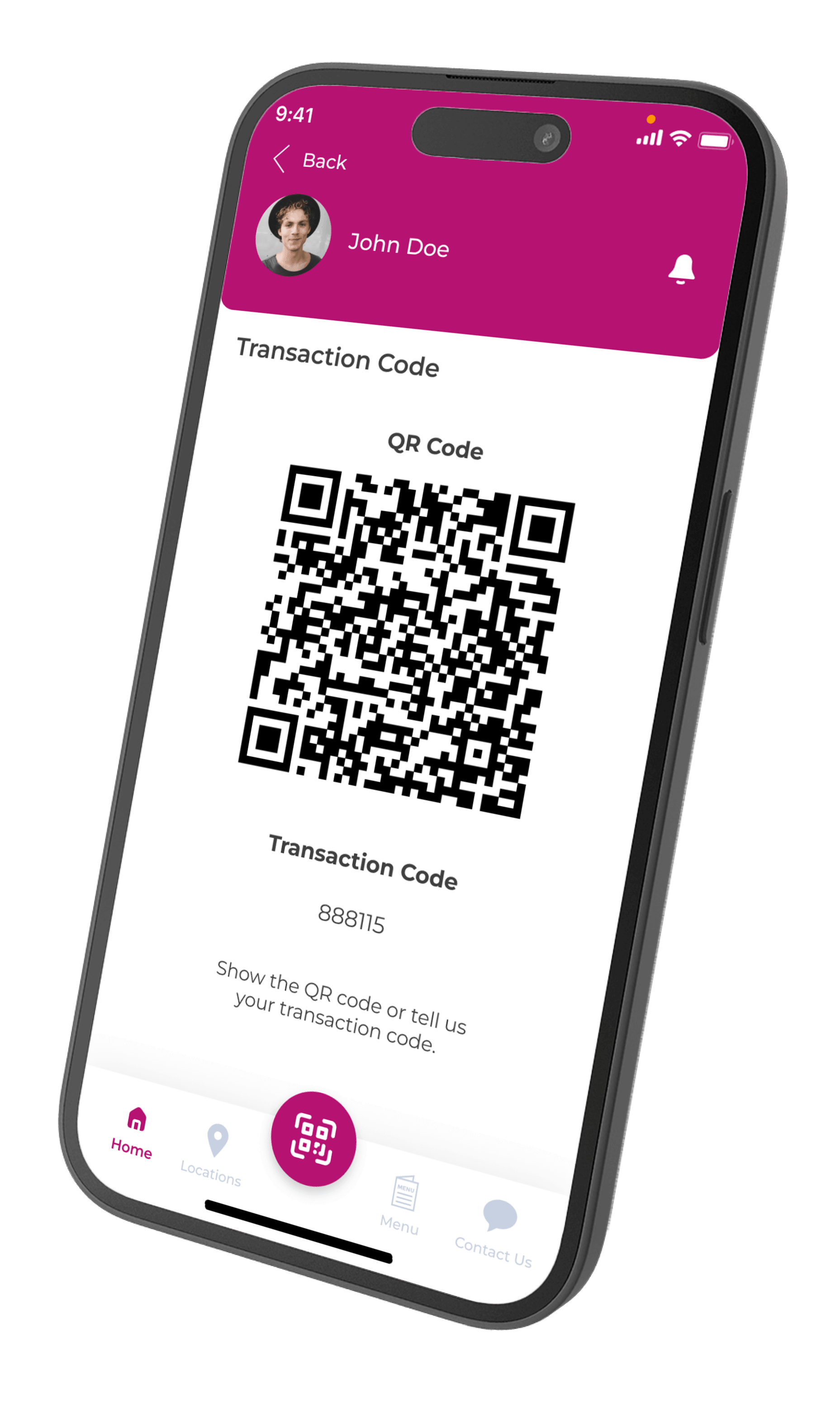
Generate QR codes from the branch management page and place them at counters, tables, reception areas or printed campaign materials.
Customers can scan the QR code to view your campaigns and access the application. This gives every physical location a simple way to promote the same digital loyalty experience.
Keep branch records, campaign discovery and customer-facing location information organized across your business.
Create a separate location record for every branch participating in your loyalty program.
Update branch names, addresses, phone numbers and other location details when necessary.
Generate branch QR codes for campaign promotion and customer onboarding.
Use the branch management link to view and share your public business page.
Reward cards can be connected to selected locations so each campaign works according to your branch structure.
Select the locations where customers can earn a campaign reward.
Define the branches where customers can use their digital reward cards.
Apply branch rules to product, service, gift and discount rewards.
Loyalty point rewards do not require branch selection in the same way as reward cards.
Connect branches with campaign rewards, employee access, POS settings and customer-facing mobile app content from one loyalty management platform.
View all featuresUse centralized branch management whether you operate two locations or a growing multi-branch network.
Let customers find nearby coffee shop locations and use rewards at selected branches.
View solutionKeep campaign rules and customer rewards synchronized across restaurant locations.
View solutionShow customers salon addresses, contact details and available reward locations.
View solutionManage store locations and define where campaign rewards can be redeemed.
View solutionWatch the tutorial to see how branches are managed, QR codes are created and your public business page is accessed.
Customers rely on your location information before visiting or redeeming a reward. Review branch names, addresses, phone numbers and reward availability whenever your business structure changes.
Learn how branch records, QR codes, public business pages and location-based rewards work in Letstamp.
Add business locations, create promotional QR codes and deliver one consistent loyalty experience across every branch.