
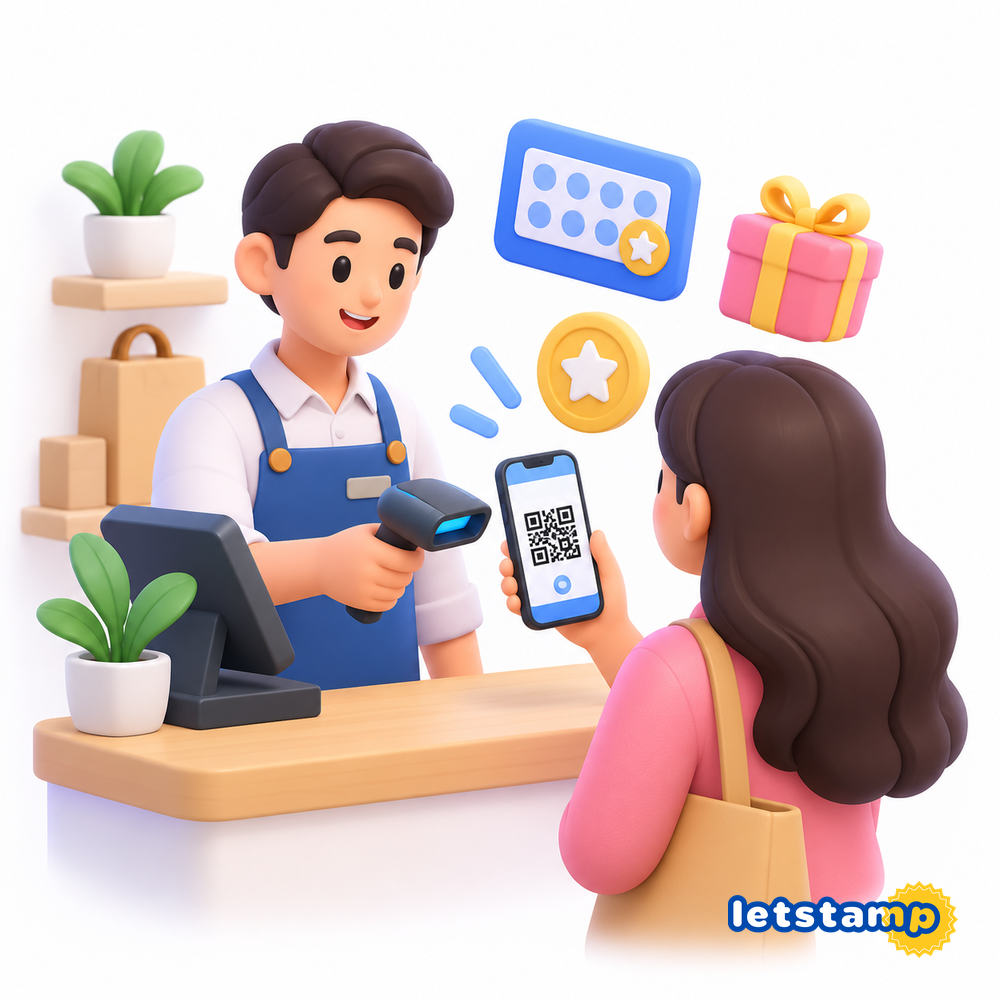
Letstamp helps businesses run digital customer loyalty programs without relying on traditional paper stamp cards or separate systems for every campaign. You can create loyalty campaigns, add branches and staff users, process customer transactions, manage rewards and use customer data to support ongoing engagement.
The practical workflow is straightforward: configure the loyalty experience in Letstamp Partners, invite customers to participate, register eligible purchases and redemptions, and then use the resulting customer activity to manage rewards and communication. If you are still planning the broader structure of your program, the guide to setting up customer loyalty with Letstamp explains the strategic side in more detail.
What can I use Letstamp for in my business?
You can use Letstamp to create digital stamp cards, loyalty points campaigns, welcome rewards, birthday campaigns, referral programs, coupons and gamification campaigns. You can also manage customers, branches, staff users, gifts, SMS and push notifications, mobile app content and supported POS integrations.
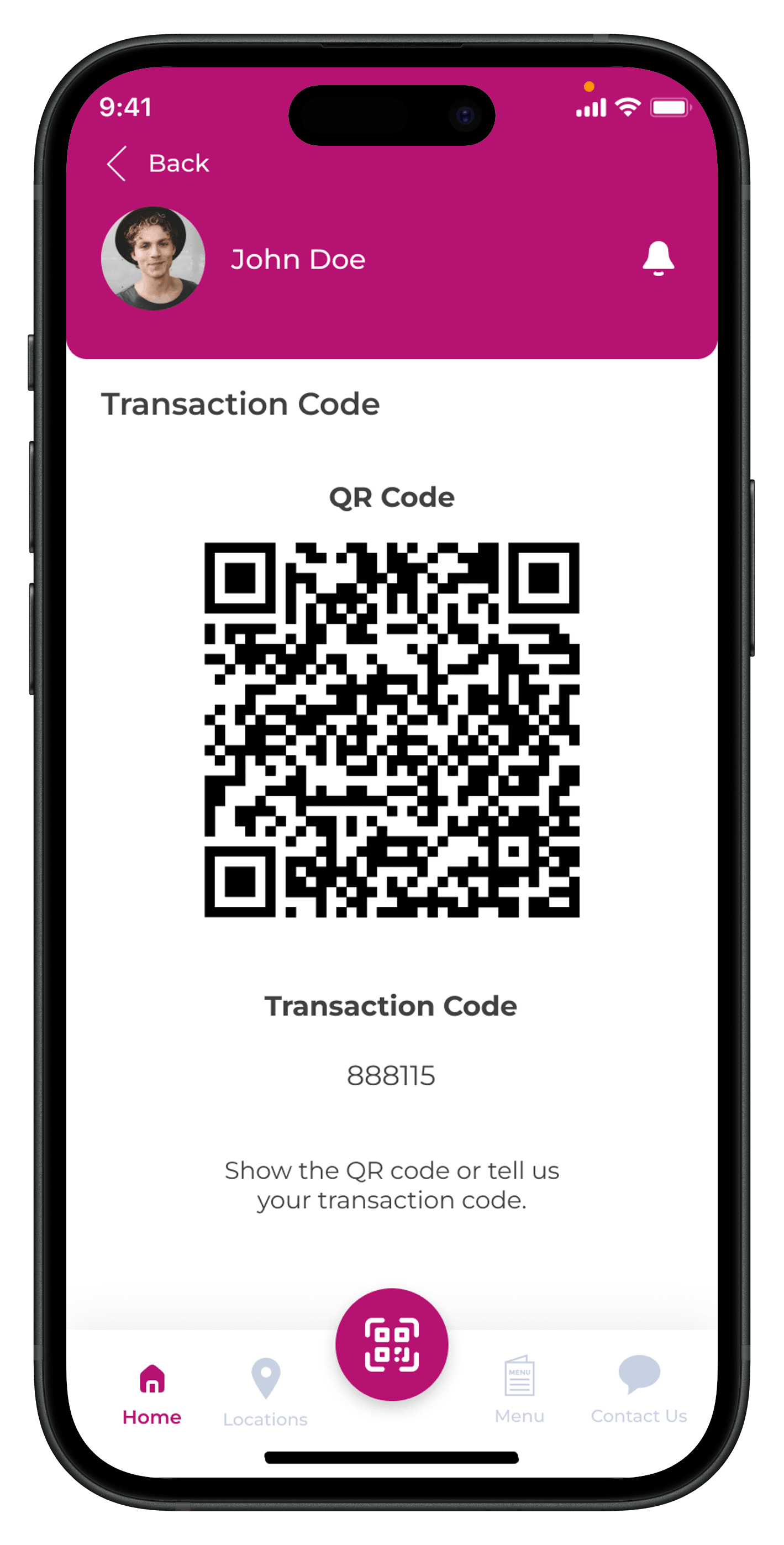
At checkout, customers can present their personal transaction code or QR code so your business can register eligible loyalty transactions and reward redemptions.
Start by setting up your business and branches
Before launching a campaign, configure the operational structure behind it. Letstamp's branch management tools allow you to add and edit business locations and obtain QR codes that can be used to promote your campaigns. Customers can scan these QR codes to view your campaigns and access the app.
If your business operates from several locations, this gives you a central way to organize each branch while keeping campaign participation connected to the same loyalty system. You can learn more about this setup on the Branch Management page.
1. Configure your branches
Add and edit business locations and prepare branch QR codes that customers can scan to discover your campaigns.
2. Add staff users
Create user accounts for employees and define branch-specific sub-users who can perform customer transactions.
3. Create your campaigns
Choose campaign models that match your buying frequency, customer behavior and reward strategy.
4. Start processing transactions
Use the customer's transaction code or QR code when adding eligible stamps, points or redeeming rewards.
Choose a loyalty campaign that matches how customers buy
There is no single campaign model that works equally well for every business. A coffee shop selling similar products repeatedly may benefit from a digital stamp card , while a business with significantly different transaction values may prefer loyalty points and cashback .
Letstamp also supports campaigns designed around particular customer moments. A new customer campaign can reward an eligible first visit, while birthday campaigns can automatically provide eligible customers with a birthday reward according to the campaign settings.
Stamp Cards
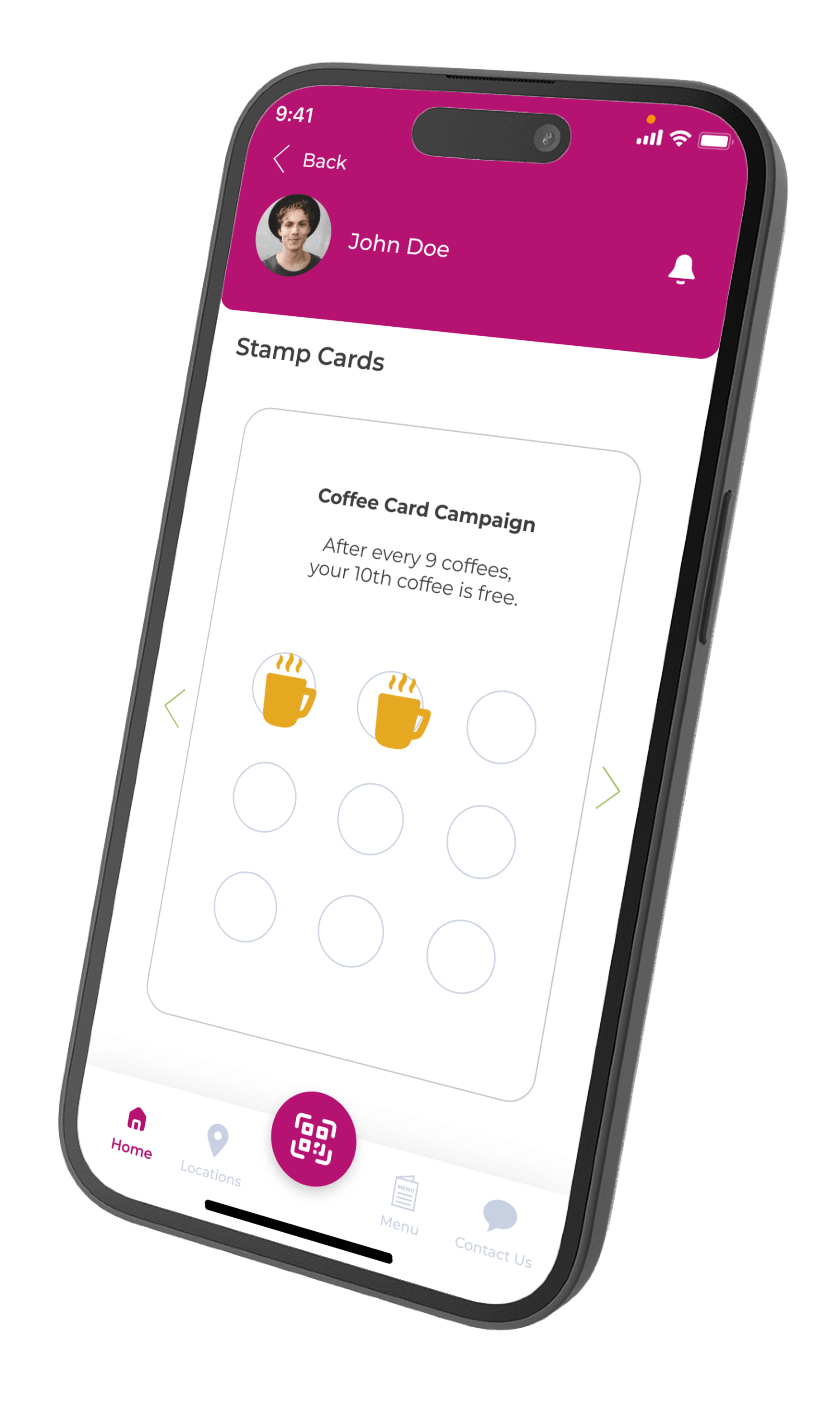
Reward customers after they collect a defined number of stamps from eligible transactions.
Reward Points
Award fixed or percentage-based Reward Points according to eligible spending.
New Customers
Create a one-time welcome campaign for customers completing their first eligible transaction.
Birthday Rewards
Provide eligible existing customers with an annual birthday reward.
Coupons
Create coupon codes with configurable usage frequency and quantity limits.
Gamification
Run box-opening, lucky-wheel or scratch-card campaigns with configurable play frequency.
You can also use referral campaigns to reward the inviter or invited customer according to the configured campaign logic, or create coupon campaigns for controlled promotional offers.
Invite customers to your loyalty program
Once your campaigns are ready, customers need a clear way to discover them. Branch QR codes can direct customers to your business page, where they can see campaigns and access the app. In-store placement is especially useful because customers can discover the loyalty program while they are already interacting with your business.
Keep the message around the QR code simple and benefit-led. Instead of explaining every rule at once, tell customers what they can achieve: collect stamps, earn points, receive a welcome reward or join your loyalty program. For the customer-side journey, see how customers use Letstamp .
Process loyalty transactions with a code or QR scan
When a customer makes an eligible purchase, ask for the transaction code displayed on their phone or scan their QR code. From there, the workflow depends on whether you are processing stamps, Reward Points or a redemption.
For stamp transactions, select the relevant campaigns and number of stamps. For Reward Points transactions, enter the eligible sale amount and Letstamp calculates the points according to the configured campaign. Multiple applicable campaigns can be processed in a single transaction.
How earning and redeeming work in Letstamp
The transaction flow is designed around the customer's personal transaction code or QR code. The same starting point is used for both earning and redemption, while the action selected in Letstamp Partners determines what happens next.
| Transaction | Business Action | Result |
|---|---|---|
| Earn stamps | Open the customer transaction, select Make Stamp Transaction and enter the applicable stamps. | The customer's relevant stamp card is updated. |
| Earn Reward Points | Open the customer transaction, select Make Reward Points Transaction and enter the sale amount. | Reward Points are added according to campaign settings. |
| Redeem a reward | Select Use Reward and choose one of the customer's available rewards. | The selected reward is redeemed. |
| Redeem Reward Points | Select Use Reward Points and enter the amount to redeem. | The selected amount is deducted from the customer's Reward Points balance. |
Manage customers after the first transaction
A loyalty program becomes more useful as customer activity builds. In Letstamp, you can view and filter customers, open customer profiles and review their rewards and Reward Points. You can also select customers for follow-up actions such as sending gifts or messages.
The Customer Segmentation feature organizes customer behavior into predefined groups whose values can be adjusted to your business routines. These include customer acquisition segments such as routine or inactive customers as well as reward-usage segments such as customers with pending rewards.
Customers can keep their loyalty activity on their phone
From the mobile experience, customers can access their active stamp cards and rewards rather than keeping track of a physical card. This makes the loyalty experience easier to continue across future visits.
Depending on the loyalty experience you want to build, you can explore how a mobile loyalty card works or learn more about using a broader loyalty application for your business.
Re-engage customers with rewards and communication
Letstamp can be used after the purchase as well as during it. Once you identify the customers you want to reach, you can send app push notifications or SMS messages immediately or schedule them for a future date. If no customer selection is made, messages can be sent to the broader customer base.
You can use push notifications for customers using the app or SMS messaging when SMS is appropriate for the campaign. Communication is most useful when it has a specific purpose, such as reminding customers about an available benefit rather than sending the same promotion to everyone.
Letstamp also supports sending gift rewards to selected customers or the full customer base. Gifts can be Reward Points or reward/gift cards and can be scheduled for a future date.
Expand the program beyond basic rewards
After the core loyalty workflow is running, additional features can support different customer journeys. For example, gamification can add lucky-wheel, scratch-card or box-opening experiences, while the Product Catalog lets customers spend earned Reward Points on products supplied by your business.
If you operate a branded mobile experience, Letstamp's Mobile App Management tools can be used to manage predefined app sections such as banners and buttons, change navigation texts and icons, assign links and create additional in-app pages.
Connect Letstamp with a supported POS setup when needed
Businesses using a supported POS integration can configure Letstamp separately for each branch, synchronize products from the POS system and associate selected products with Stamp Card, Reward Points and reward configurations.
Product selection can be used to trigger campaigns only for specific items. Reward or gift card redemption can also be configured for selected products with a defined product scope and discount rate. More details are available on the POS Integration page.
A practical Letstamp launch checklist
Before presenting the program to customers, verify both the customer-facing campaign and the operational process your team will follow.
- Add and verify the branches that will participate.
- Create staff users who need permission to process transactions.
- Choose a campaign model that matches customer buying behavior.
- Write clear campaign and reward descriptions.
- Configure campaign and reward expiration settings where needed.
- Confirm which branches can earn or redeem reward cards.
- Make your branch QR codes visible to customers.
- Train staff on earning and redemption transactions.
- Review customer activity after launch and use relevant segments.
- If using POS integration, complete the configuration separately for each applicable branch.
Bring campaigns, rewards and customer activity together
Start with a simple campaign, make the transaction process easy for your team and expand the program as you learn how your customers use it.