
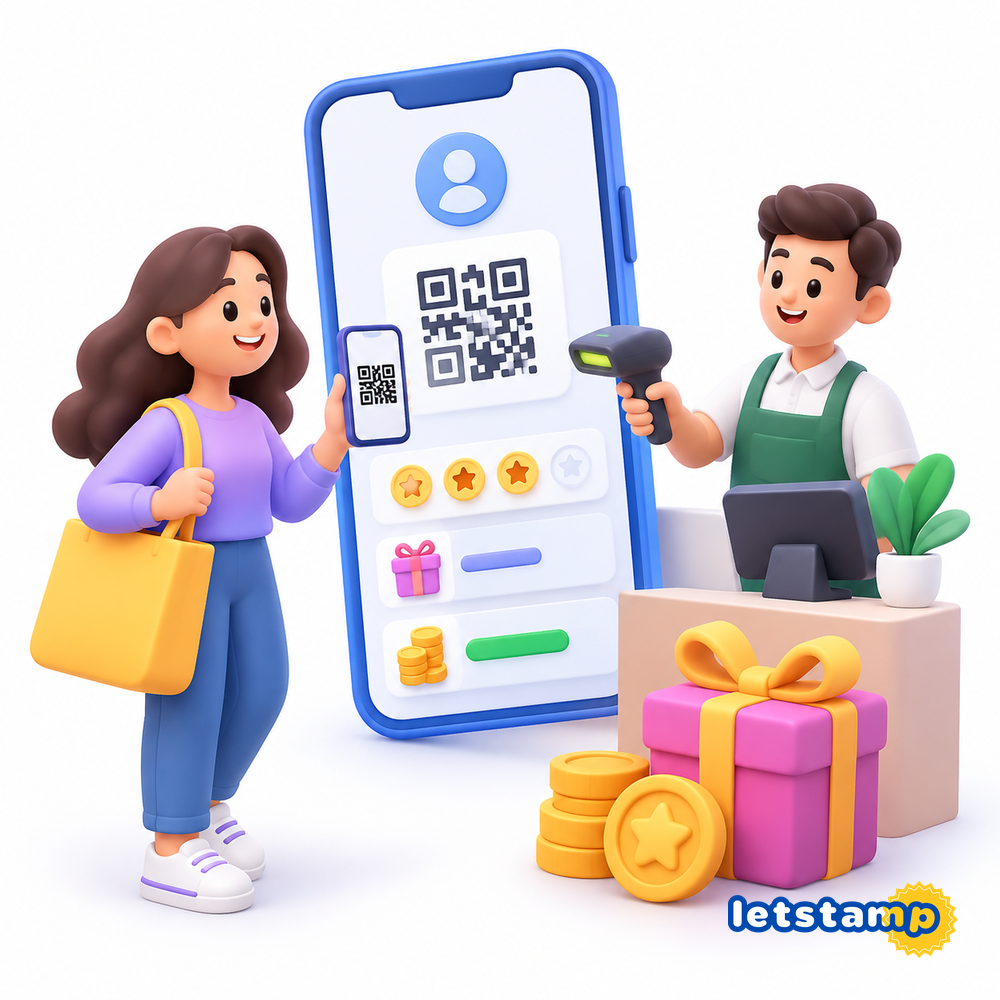
Letstamp gives customers a digital way to participate in your loyalty campaigns and keep track of the benefits they earn. Instead of relying on a physical card, customers can use the mobile experience to access their transaction code, QR code, stamp cards, Reward Points and rewards.
For businesses, this creates a direct connection between the loyalty campaign configured in Letstamp and the experience the customer sees on their phone. If you want to learn more about the broader setup, see how businesses can use Letstamp .
What does a customer need to do?
Customers access Letstamp on their phone and use their transaction code or QR code when they need to earn or redeem something. Depending on the campaigns your business has created, they can collect stamps, earn Reward Points and use available rewards.
How customers use Letstamp step by step
The exact experience depends on the campaigns your business offers, but the main customer journey is straightforward.
1. Access Letstamp
The customer opens the mobile experience and accesses the loyalty features available for your business.
2. Show the transaction screen
During a transaction, the customer can show their transaction code or QR code so the business can identify the account.
3. Earn through campaigns
Eligible purchases can add stamps or Reward Points according to the campaigns configured by the business.
4. View and use rewards
Customers can see rewards they have earned and use eligible rewards through the transaction process.
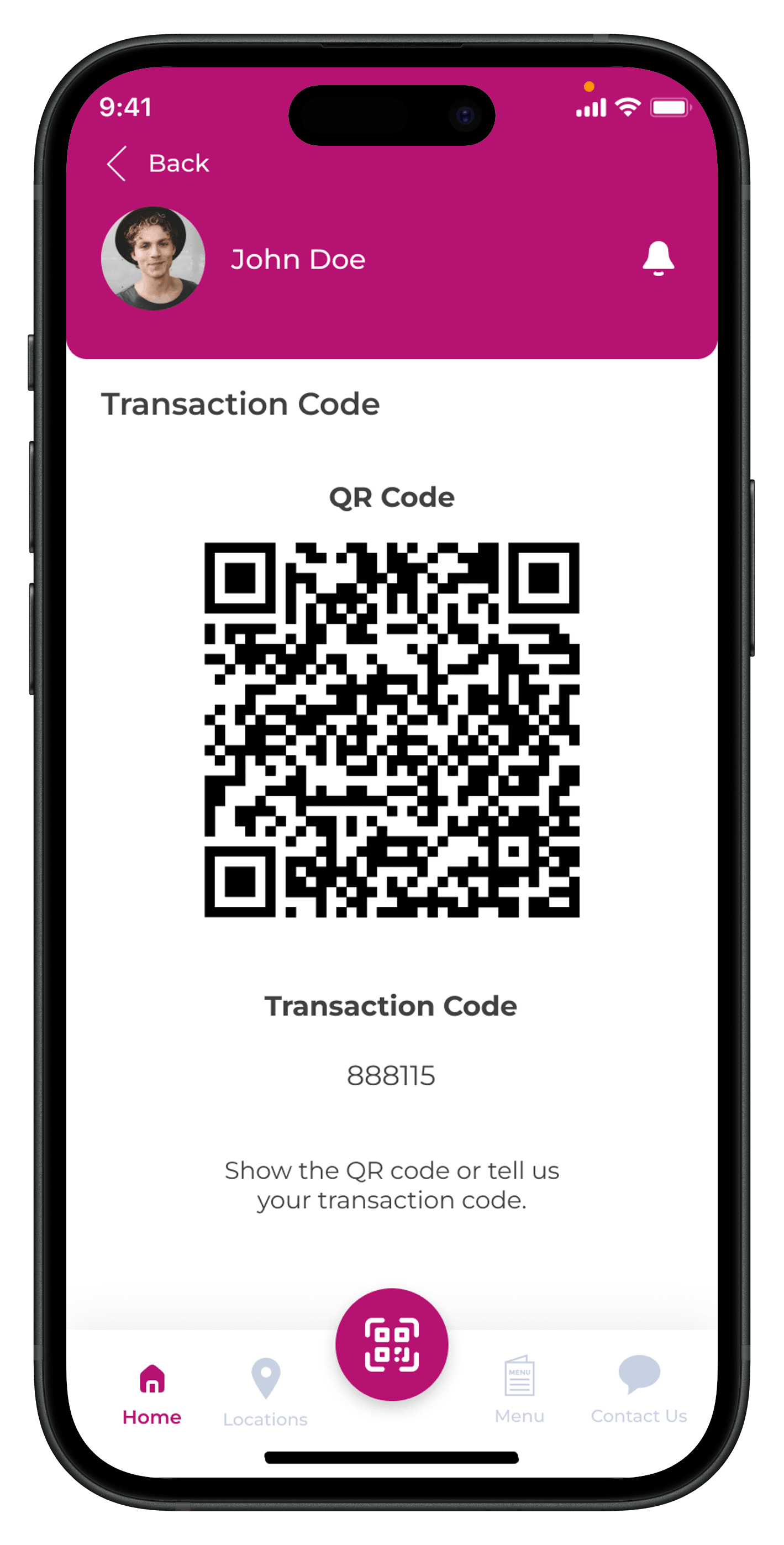
Customers use a transaction code or QR code
When a customer wants to earn a stamp, collect Reward Points or redeem an available benefit, the business starts the transaction using the customer's transaction code or by scanning the QR code on their phone.
This same identification flow can be used for both earning and redeeming. What happens after identification depends on the campaign involved.
How customers earn stamps
With a digital stamp card , the customer presents their transaction code or QR code during an eligible visit or purchase. The business then processes the stamp transaction and selects the number of stamps that apply to the relevant campaigns.
Customers can follow the progress of their active stamp cards in the app, making it easy to see how many stamps have already been collected.
Customers can follow their stamp card progress
Active stamp cards are available inside the mobile experience. Customers can see the cards they are participating in and the stamps they have already collected.
When a card is completed, the result depends on the reward setup defined for that campaign.
Learn more about mobile loyalty cards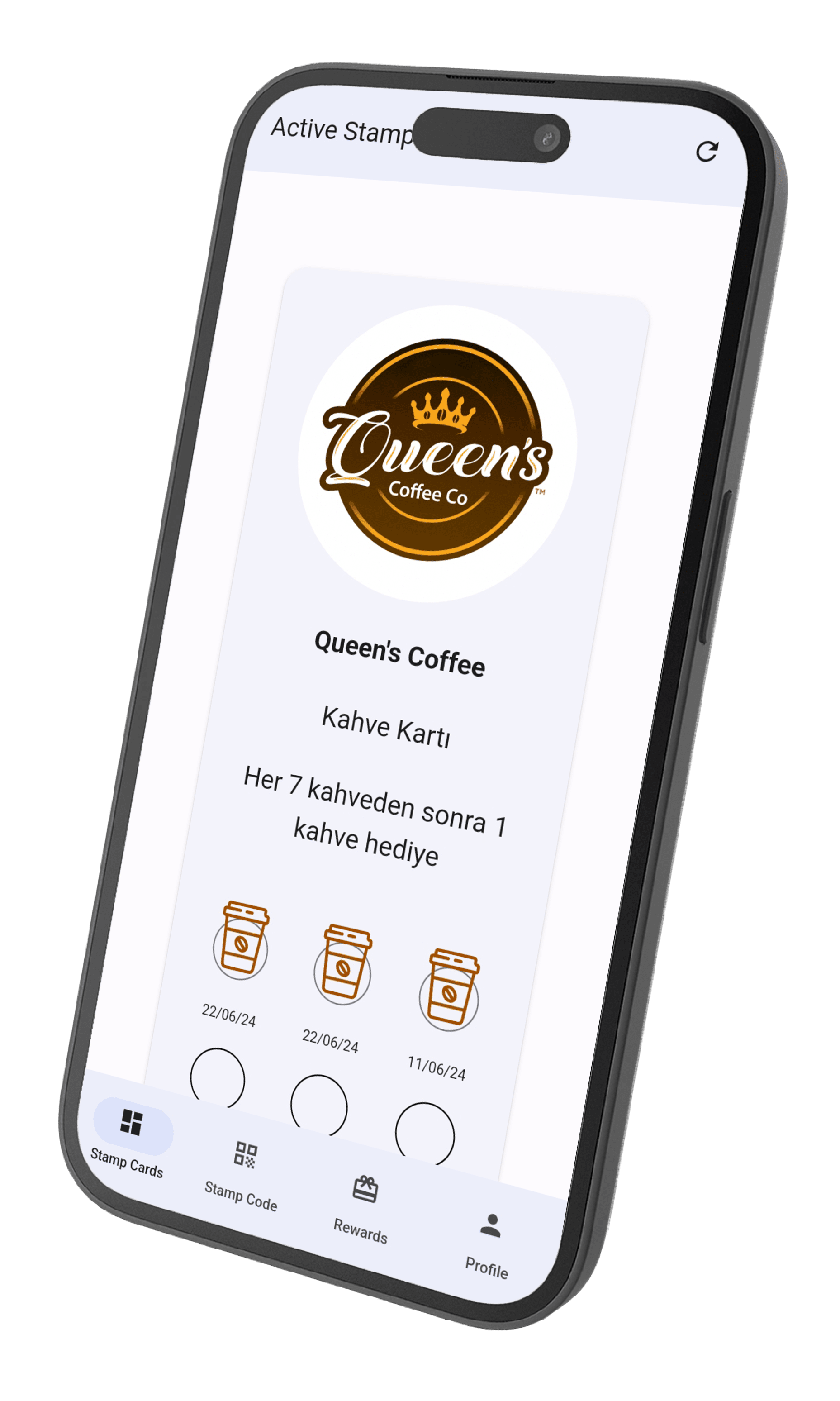
How customers earn Reward Points
Letstamp can also run Reward Points and cashback campaigns . In a manual transaction, the business identifies the customer using the transaction code or QR code and enters the sale amount.
The applicable Reward Points are then added according to the campaign settings configured by the business. A campaign can award a fixed Reward Points amount after a spending threshold or calculate points proportionally to the customer's spending.
How customers use their rewards
Customers can view active rewards in the mobile experience. When they want to redeem one, they show their transaction code or QR code again. The business can then select an available reward and complete the redemption.
Reward Points can also be redeemed through a transaction. After the customer is identified, the business enters the number of Reward Points to use and completes the redemption.
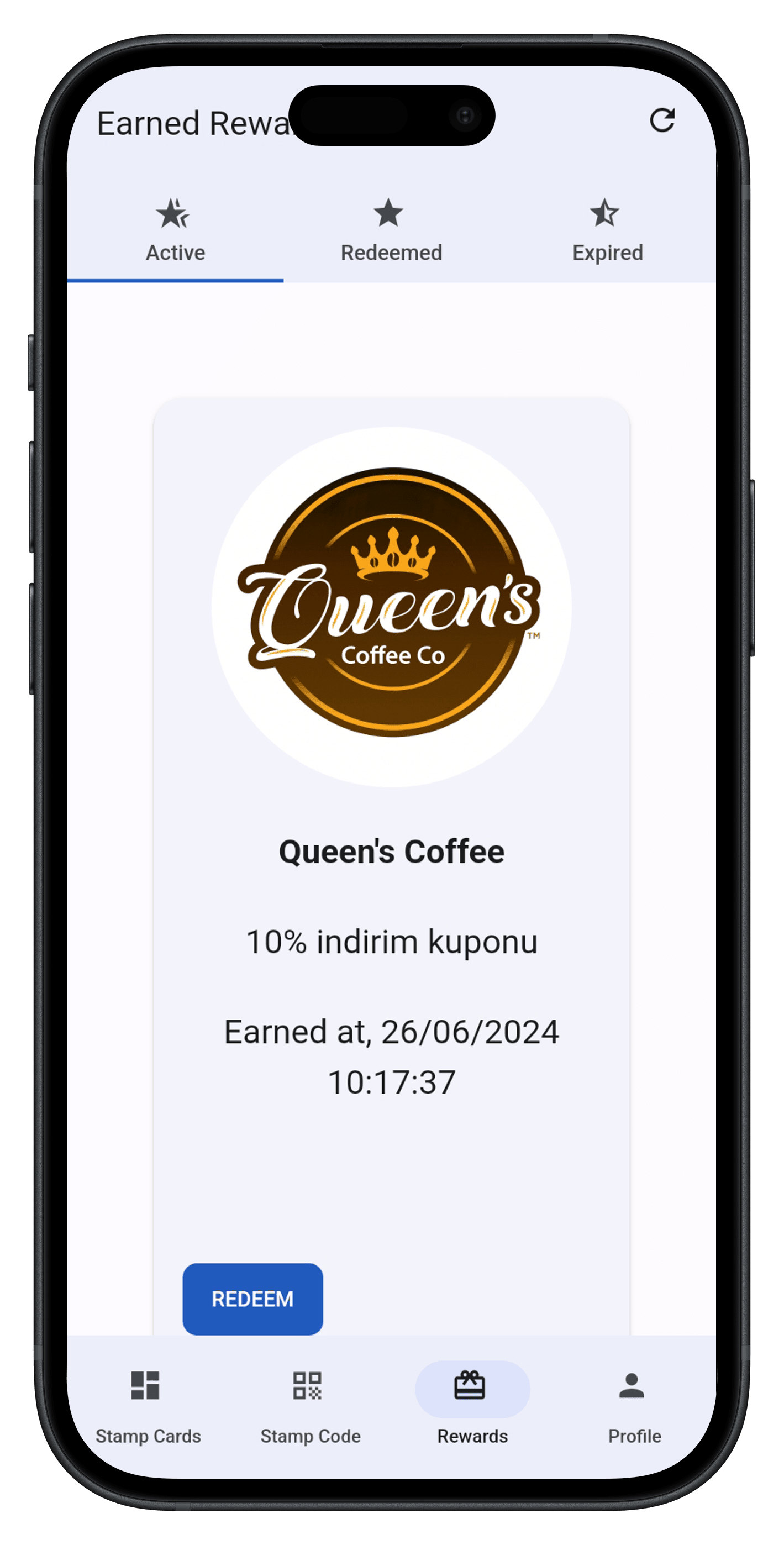
Earned rewards stay visible to the customer
The rewards screen gives customers a place to see the active rewards available on their account before they return to the business.
When the customer is ready to use a reward, the transaction is started with the same transaction code or QR code flow used for other Letstamp transactions.
Customers can interact with more than one type of loyalty campaign
The customer experience is not limited to stamp cards. Depending on the features and campaigns configured by the business, customers may also interact with Reward Points, coupons, games, catalog products, referral campaigns and other loyalty experiences.
For example, customers can use Reward Points they have earned on catalog products supplied by the business, use coupons created by the business or participate in available game campaigns.
How customers find your campaigns
Letstamp branch management provides businesses with QR codes that can be used to promote campaigns. Customers can scan these QR codes to view the business's campaigns and access the app.
This gives businesses a simple way to connect physical locations, printed materials or other customer touchpoints with their digital loyalty experience.
Keep the loyalty journey easy to understand
From the customer's perspective, the most important part is knowing where to find the transaction screen, where earned stamps or Reward Points appear, and where available rewards can be viewed. Clear campaign descriptions can make that journey easier to follow.
Letstamp Platform or your own branded loyalty app?
Businesses can use Letstamp's loyalty application as part of their digital loyalty setup. Letstamp Platform provides a ready-to-use mobile application for businesses that want to launch a digital loyalty program without developing a custom app first.
Businesses looking for a more customized mobile experience can also explore Letstamp's app options according to their own loyalty strategy.