Synchronize your products
Import products from your POS system and use them when configuring loyalty earning and reward rules.

Connect Letstamp with your POS system, synchronize products and configure loyalty campaigns around real purchases. Automate stamp, reward points and reward card transactions while keeping customer activity synchronized across every branch.
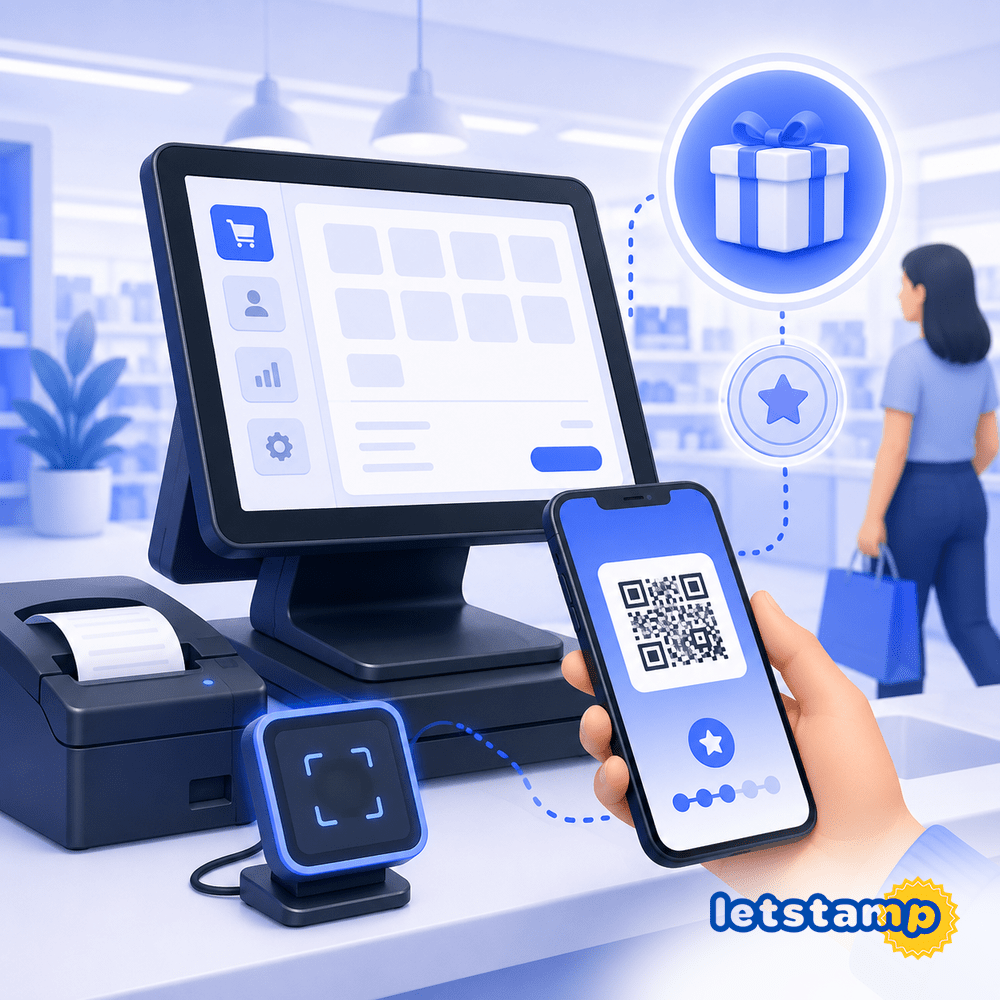
Import products from your POS system and use them when configuring loyalty earning and reward rules.
Connect stamp cards and reward points campaigns to selected products sold through your POS system.
Use POS integration in selected branches while continuing manual transactions in locations without integration.
A POS-connected loyalty program lets you configure campaign rules around real products instead of managing every loyalty transaction separately.
With Letstamp, products can be synchronized from your POS system and connected to stamp cards, reward points campaigns and digital reward cards. Integration settings are configured separately for each branch.
Prepare your campaigns, connect the POS system, synchronize products and configure product-based earning and reward rules.
Create your stamp card, reward points and reward card campaigns before starting the POS integration.
Select the supported POS system and enter the required password and connection information.
Import products from the POS system so they can be selected in loyalty campaign rules.
Configure campaigns, trigger products and reward products separately for each integrated branch.
Customers can display their transaction code or QR code inside the mobile app. This code connects the customer with the relevant loyalty transaction.
When Letstamp is integrated with a POS system, the transaction flow can also include reward selection during the purchase.
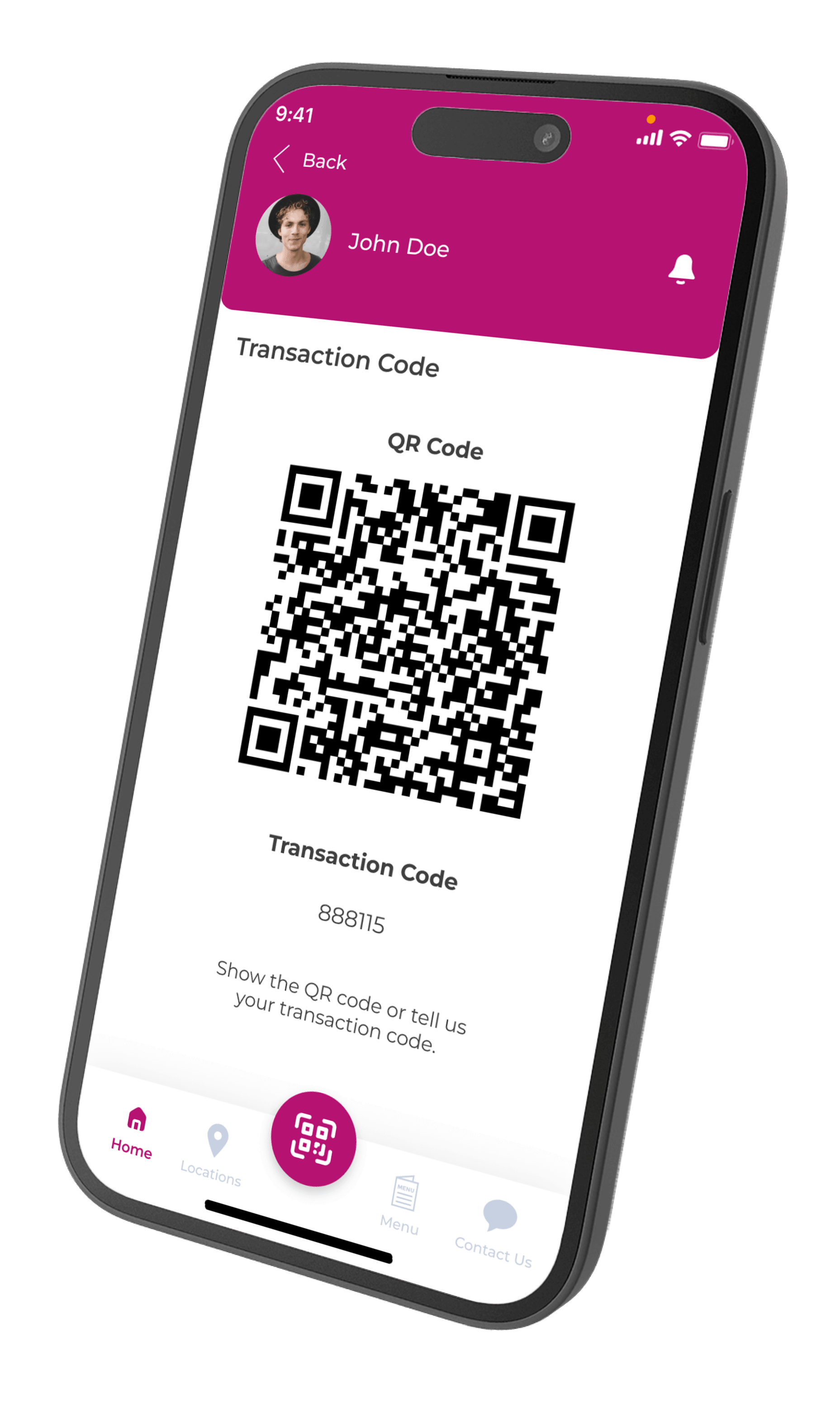
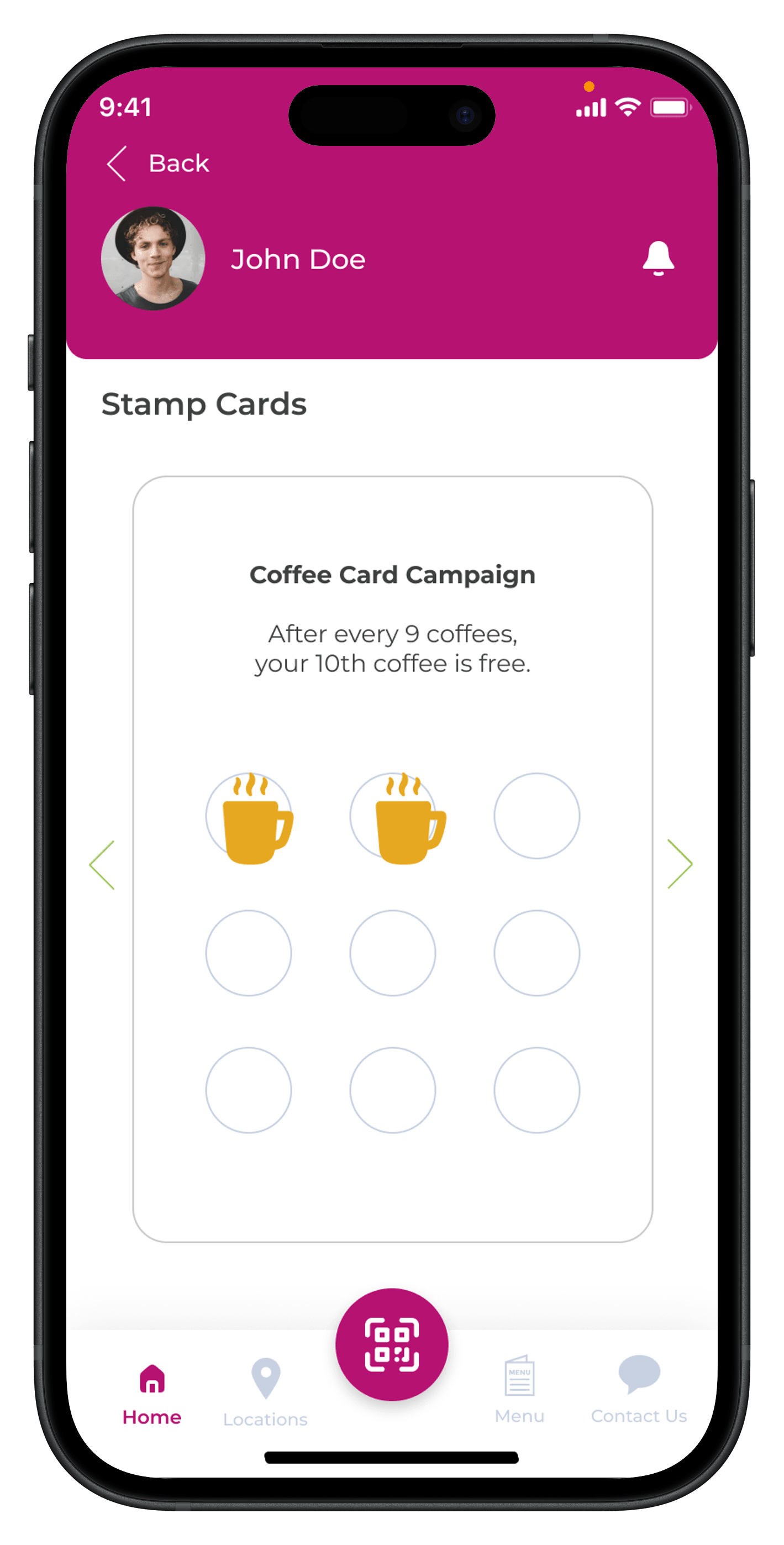
Product selection can be enabled for stamp card and reward points campaigns. This lets you define which POS products qualify for a campaign.
A campaign can therefore apply only when selected products are included in the customer transaction.
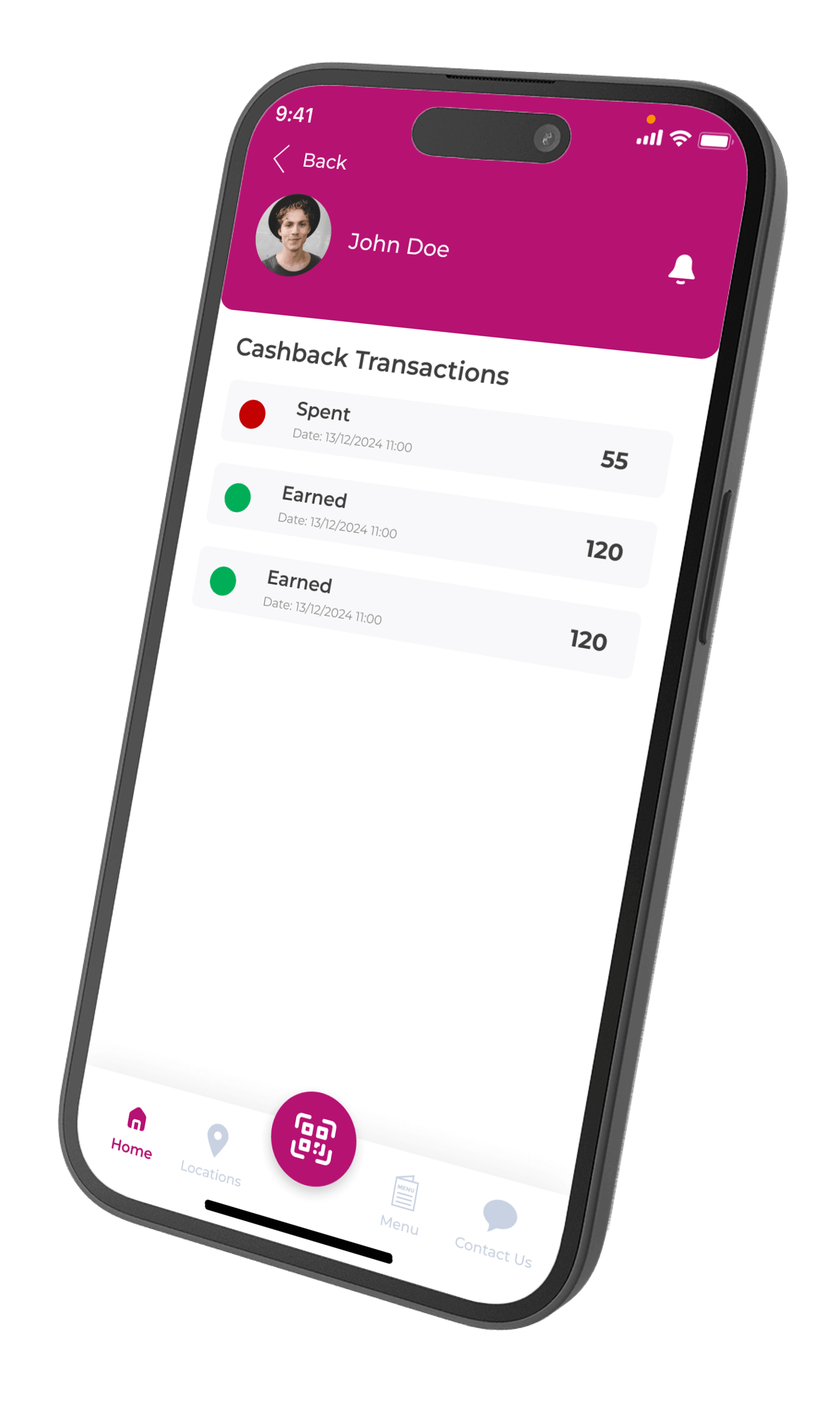
Reward points campaigns connected to POS products continue to work inside the same Letstamp loyalty system. Customers can review earned and spent points in their transaction history.
Campaign earnings and reward usage remain synchronized whether a branch uses POS integration or manual Letstamp transactions.
Select the products that trigger campaign earnings and define the products on which reward cards can be redeemed.
Select the POS products that qualify customers for stamp card progress.
Limit point earnings to selected products included in the sale.
Select the products customers can receive or use through a digital reward card.
Define product scope and discount rate for reward and gift card redemption.
Letstamp supports businesses where some branches use POS integration and others continue with manual loyalty transactions.
Enter connection and campaign settings separately for every integrated location.
Branches with active POS integration use the connected transaction flow instead of manual processing.
Branches without POS integration can continue processing loyalty transactions manually.
Campaigns, earnings and rewards continue working synchronously across both branch types.
Choose POS integration or manual transaction processing according to each branch's operational setup.
| Capability | POS-Integrated Branch | Manual Branch |
|---|---|---|
| Product synchronization | Available | Not used |
| Product-based campaign triggers | Available | Not used |
| Manual loyalty transactions | Not available | Available |
| Campaign synchronization | Available | Available |
| Customer earnings and rewards | Synchronized | Synchronized |
Connect product-based transactions with digital stamp cards, reward points, branch management and customer-facing mobile app experiences.
View all featuresConfigure eligible products and reward rules according to each business's product range and customer purchase cycle.
Trigger stamps or points only when selected drinks or products are purchased.
View solutionConnect menu products, campaign earnings and reward discounts to the POS transaction.
View solutionCreate product-specific point campaigns and selected reward discounts.
View solutionApply campaign rules to selected products or product groups across branch transactions.
View solutionStamp card, reward points and reward card campaigns should be configured before integration. After products are synchronized, review trigger products, reward products, discount scope and branch settings carefully.
Learn how product synchronization, campaign triggers, branch settings and manual transactions work with Letstamp.
Synchronize products, configure product-based campaigns and keep customer earnings and rewards connected across every branch.