Edit from your dashboard
Update supported content without treating every change as a new app project.

Your business changes. Your app should keep up. Manage banners, navigation buttons, additional pages, and other supported content in your branded Letstamp mobile app from one business dashboard.
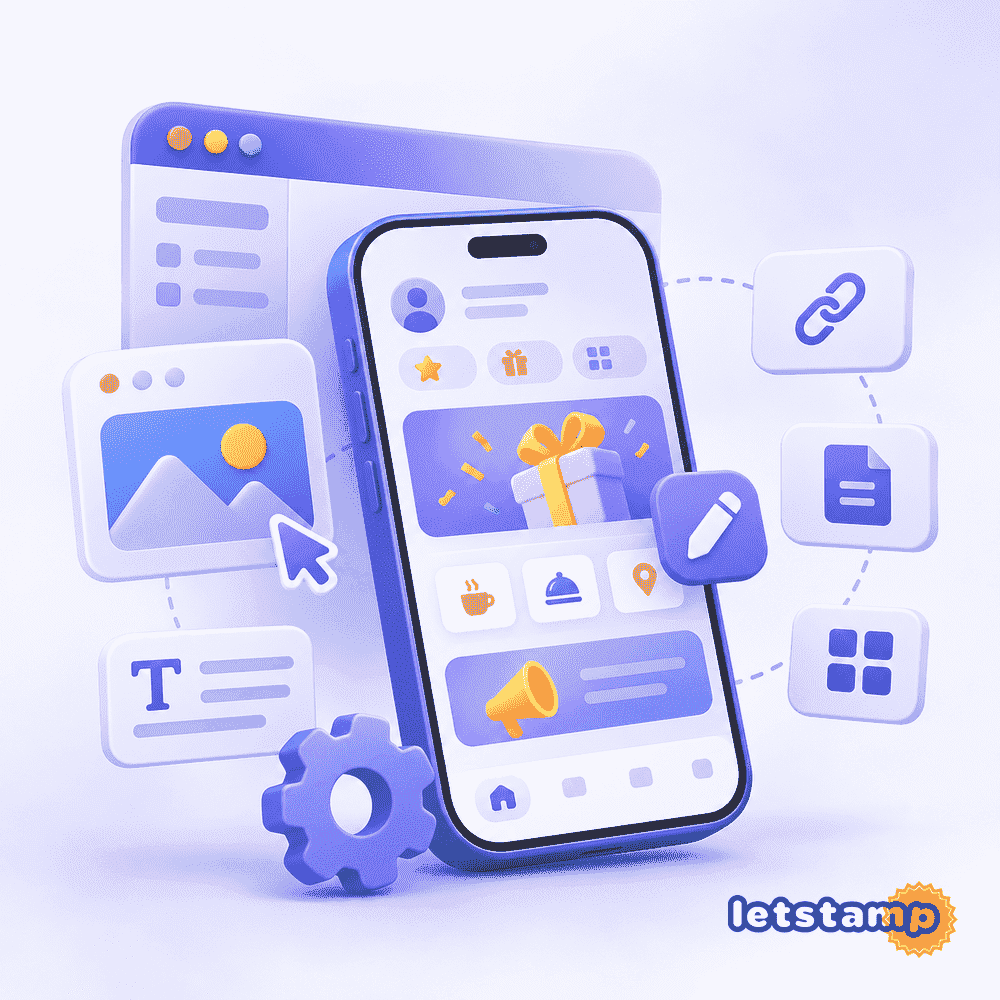
Update supported content without treating every change as a new app project.
Highlight seasonal offers, announcements, and what matters to customers today.
Give customers clear paths to useful pages, information, and links.
Your branded mobile app can be a place customers return to for current offers, practical information, and useful links. Letstamp gives you control over supported content areas so the experience stays aligned with your business.
Use the Letstamp business dashboard to manage the content areas supported by your branded mobile app.
Select a supported banner, button, section, or additional page.
Adjust text, icons, or linked files as appropriate for that area.
Set links or connect navigation to an additional in-app page.
Review the customer experience and refresh content for your next campaign.
Make the home screen and navigation more relevant as your priorities change. Letstamp supports managing predefined app sections rather than requiring you to rebuild the entire interface.
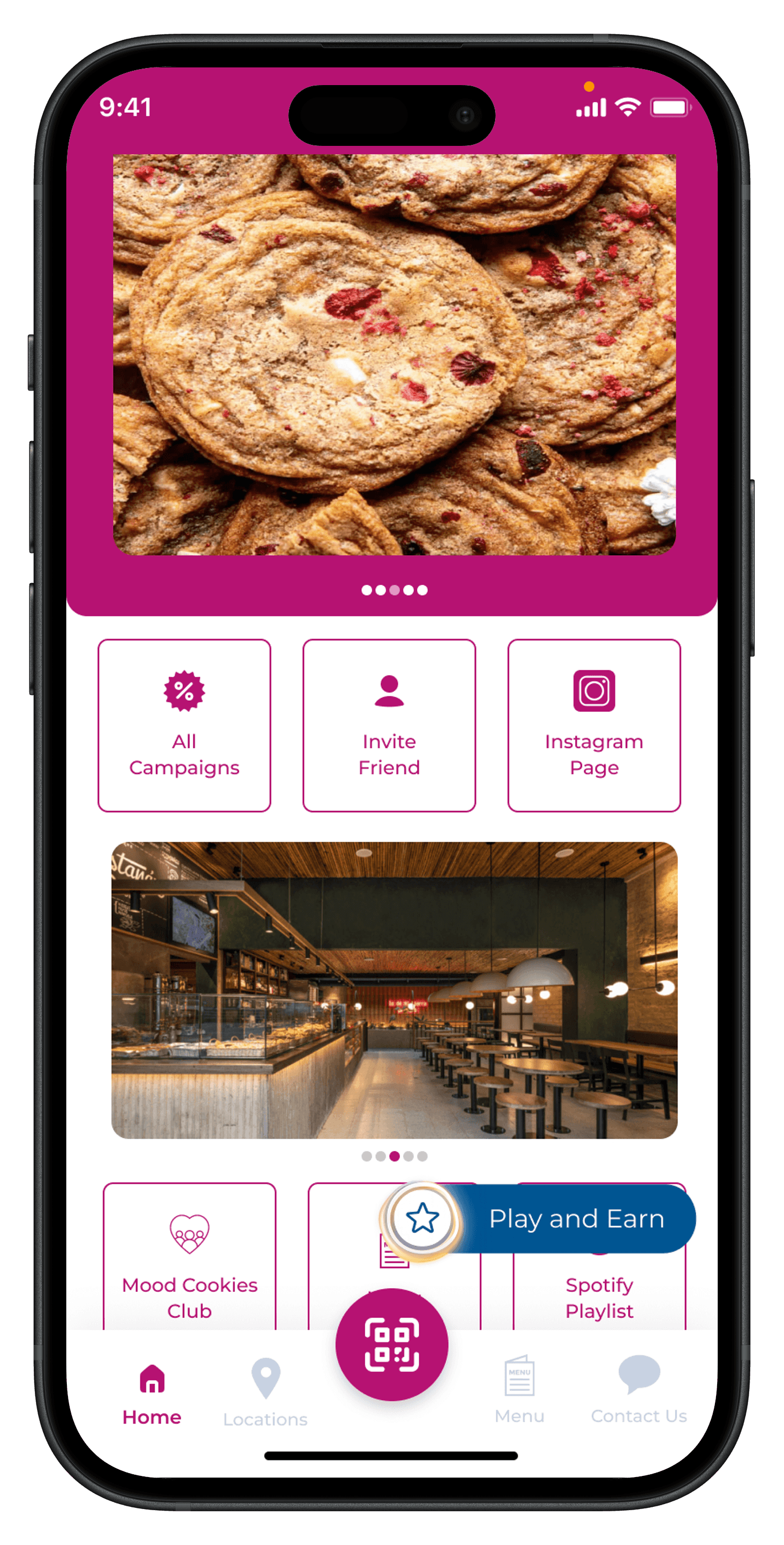
A single home screen cannot explain everything. Create additional in-app pages and guide customers to them through supported navigation elements, whether you are sharing an announcement, helpful information, or campaign details.
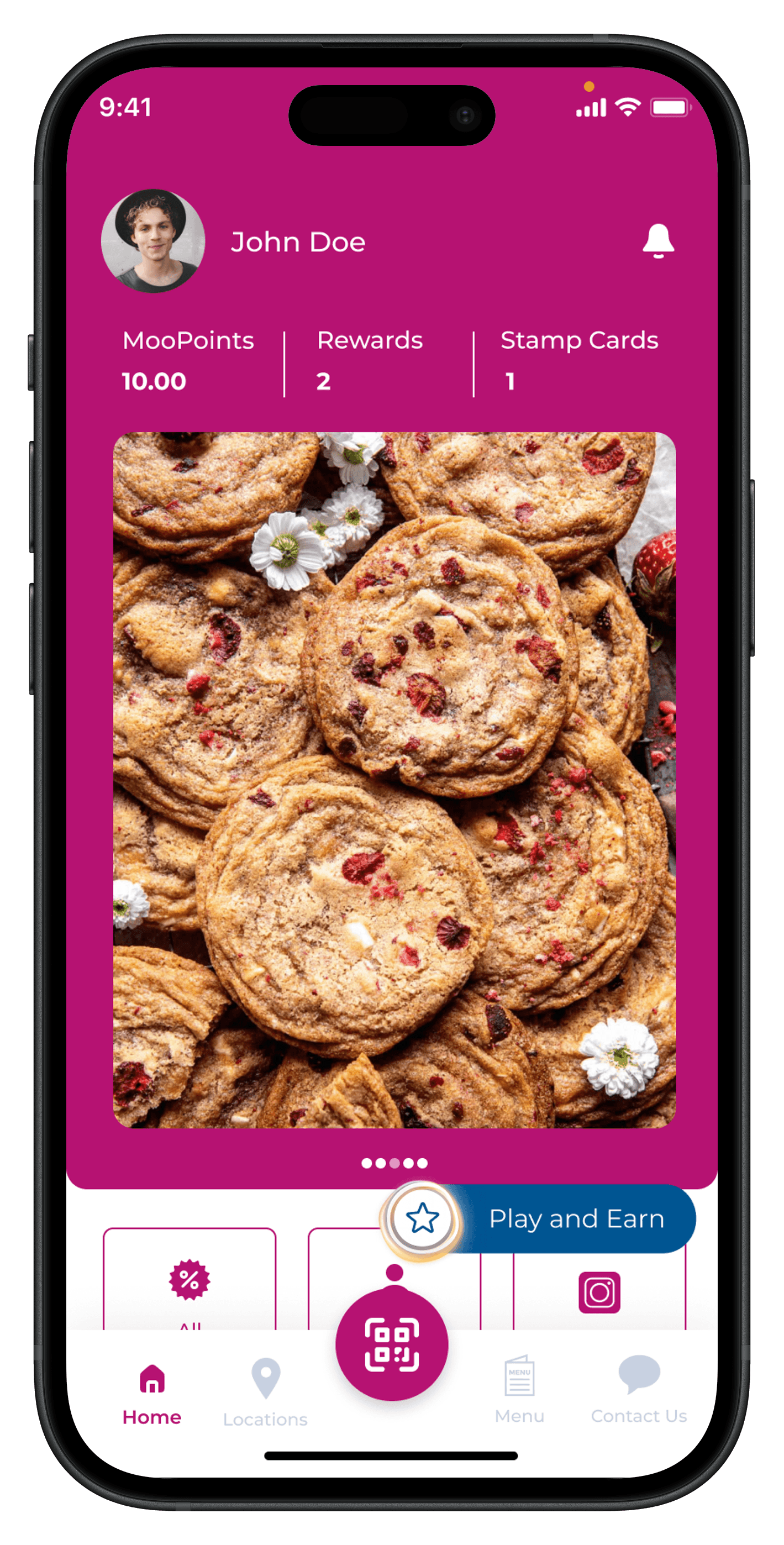
Use content management to make your app reflect what is happening in your business, not what was happening when it launched.
Feature a limited-time drink and link to the latest offer.
View solutionReplace a seasonal banner and add a page for a special menu.
View solutionShare new treatment information and highlight a booking link.
View solutionPromote a new collection and update shopping-related navigation.
View solutionYour app content can point customers toward offers and information, while other Letstamp tools help you communicate and reward their activity.
View All FeaturesA clear offer, a current announcement, or a better navigation link gives customers a reason to pay attention. Focus on the information they need next, and keep older promotions from taking up valuable space.
Understand what you can manage and where content changes fit within your branded Letstamp app.
Show customers what matters today and keep your branded app ready for what comes next.