Define your own categories
Use names that make sense to your team, rather than forcing every customer into preset labels.

Not every customer fits the same category. Create your own customer groups in Letstamp and manually organize people by the details your business knows best, from VIP relationships to student or staff status.
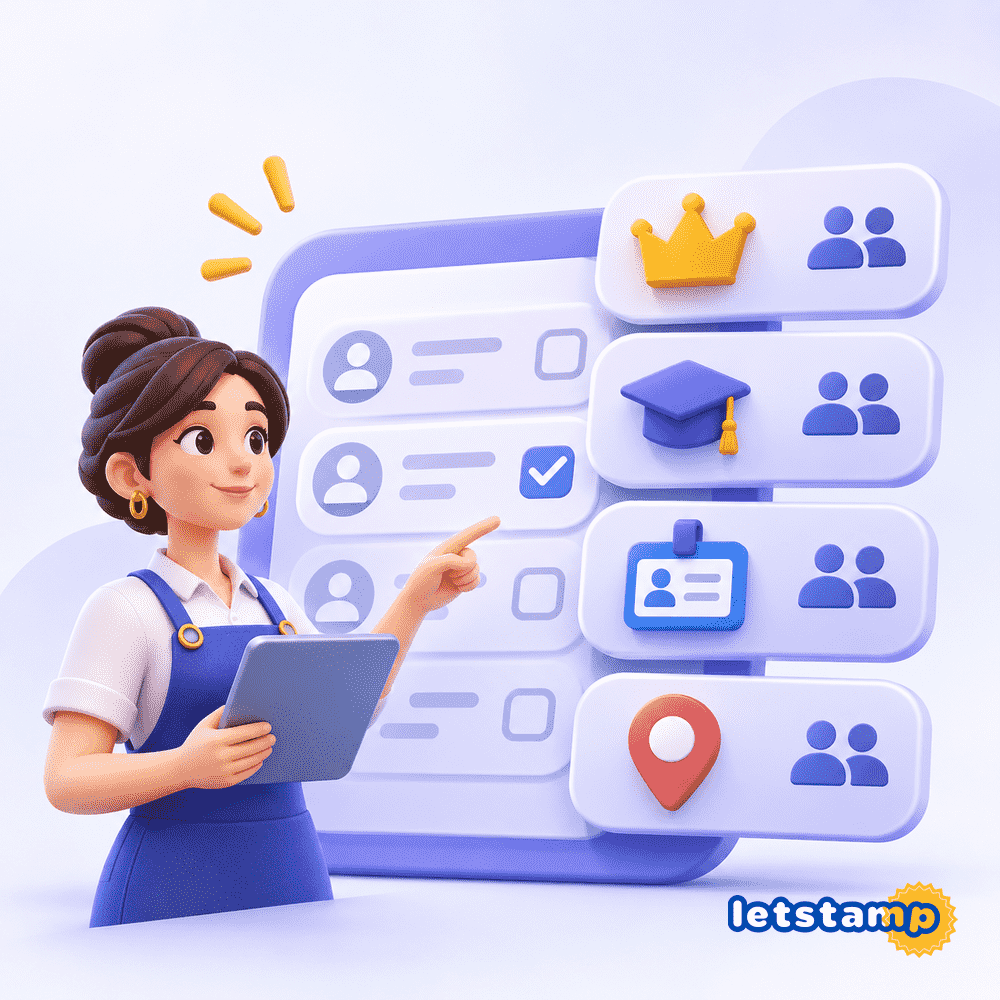
Use names that make sense to your team, rather than forcing every customer into preset labels.
Record distinctions such as verified student status or a long-standing local relationship that purchase history cannot establish.
Make customer lists easier to understand when planning outreach, service priorities, and loyalty initiatives.
A purchase record can show what someone bought. It cannot reliably tell you whether they are a student, a member of your team, or a valued customer you know personally. Custom Customer Groups lets you use that first-hand knowledge to organize your audience in a way that fits your day-to-day operations.
You decide what each group means and which customers belong in it.
Define a category such as VIP, Student, Staff, or any other label relevant to your business.
Choose the customers who fit your criteria using information your business already knows.
Refer to your organized customer categories when managing relationships and planning who you want to reach.
These are starting points, not fixed templates. You choose the group names and membership criteria.
Keep track of customers your team recognizes as especially important to the business.
Identify customers whose student status your business has confirmed independently.
Distinguish employees or team members from the rest of your customer audience.
Organize people you know belong to your neighborhood or local community.
Custom groups help staff understand the context behind customer relationships. A café might distinguish nearby residents from occasional visitors. A salon might maintain a group for established VIP clients. A retail store might identify staff members separately from shoppers.
Student status, staff membership, personal relationships, and local knowledge are not the same as transaction data.
Both help you organize customers, but they work differently. Smart Customer Segmentation identifies customers based on their activity. Custom Customer Groups lets you create your own categories and manually decide who belongs in each one.
Customer organization is one part of a wider loyalty program. Explore the tools Letstamp offers for understanding and engaging your audience.
View all featuresA useful customer group should have a clear meaning. Decide what qualifies someone as a VIP, student, or local customer before adding members. Manual groups work best when your team applies the same criteria consistently.
Learn how manual customer grouping works and how it differs from automatic segmentation.
Create customer groups that reflect how your business actually works, and bring more clarity to your loyalty planning with Letstamp.