See the products behind each visit
Go beyond transaction counts to see what a customer actually ordered.

View completed orders, purchased products, quantities, and amounts within each customer’s Letstamp profile. With a supported POS integration, purchase history becomes useful context for better customer relationships.
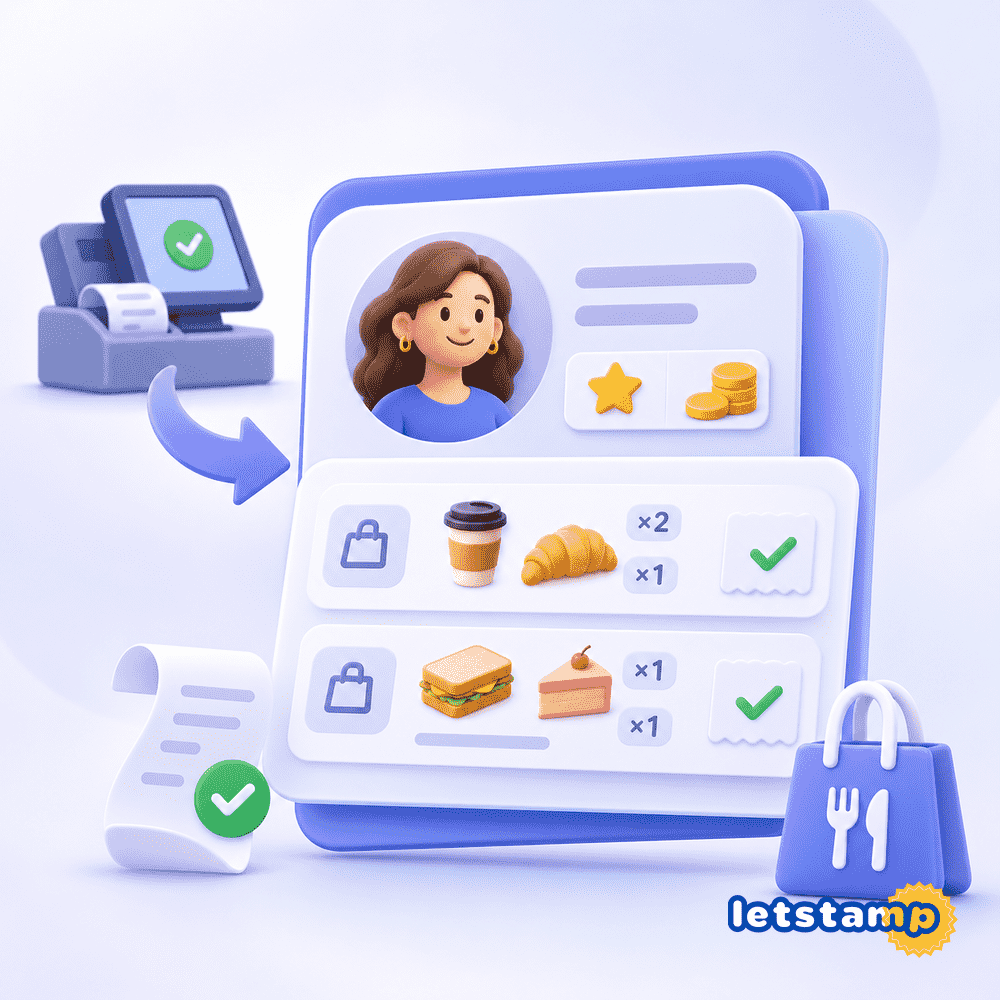
Go beyond transaction counts to see what a customer actually ordered.
Recognize recurring product choices and changes in buying patterns.
Consider applied reward and cashback discounts alongside order details.
A purchase total tells you how much someone spent. Their completed order history tells you what they chose. Letstamp brings POS-provided order details into the existing customer profile, so your team can understand purchases alongside loyalty activity without switching to a separate order management system.
Order detail visibility depends on a supported, connected POS system and the data it provides.
Use an available integration that can provide order and product data.
Completed order information is received from the connected POS.
The order is associated with the corresponding Letstamp customer profile.
View purchased items, quantities, amounts, and applicable loyalty discounts.
Customer Order History is part of Letstamp customer management, not a standalone order processing tool. Open a customer profile to understand past purchases alongside the relationship you are already managing.
View completed purchases, applied rewards, and order totals.
Purchase details are linked to customer profiles through supported POS integrations.
Instead of relying on a transaction count alone, look at the actual products and quantities purchased. Where applicable, review the order together with redeemed rewards or cashback discounts for a more complete view of the purchase.
Connect completed POS orders with customer purchase history.
Available purchase details depend on your connected POS system.
Examples of how teams can use the information already visible in customer profiles.
Recognize whether a regular customer typically orders espresso, iced drinks, or pastries.
View solutionUnderstand which menu items a returning guest has actually purchased.
View solutionReview purchased products or services when discussing a customer’s previous visit.
View solutionSee past item choices to better understand returning shoppers’ preferences.
View solutionPurchase details add context to customer management, loyalty rewards, and your existing engagement workflows. They do not automatically create AI recommendations or new campaigns.
View All FeaturesWithout a supported POS integration, Letstamp does not automatically receive completed orders or product-level purchase data. Integration availability and the fields provided depend on the POS provider and connection. Check compatibility before relying on order details.
What to expect from POS-connected purchase history in Letstamp.
Talk to Letstamp about supported POS connections and how completed order details can help your team build stronger customer relationships.